Aller au contenu
View in the app

A better way to browse. Learn more.

Omerta

A full-screen app on your home screen with push notifications, badges and more.

To install this app on iOS and iPadOS
  1. Tap the Share icon in Safari
  2. Scroll the menu and tap Add to Home Screen.
  3. Tap Add in the top-right corner.
To install this app on Android
  1. Tap the 3-dot menu (⋮) in the top-right corner of the browser.
  2. Tap Add to Home screen or Install app.
  3. Confirm by tapping Install.

Reload

Membre
  • Inscription

  • Dernière visite

  1. huh ça a vraiment l'air intéressant je vais le voir.
  2. Non je pas de petit zizis parcontre je suis interresser Edit:En vrais ses pour les petits zizis
  3. hmmm interessant.
  4. LEAK PACK Alicedelish(belle dellphine parodia littéralement mais plus chaude)!! ------------------------------ [hide] https://gofile.io/d/NzgMx9 [/hide] ------------------------------
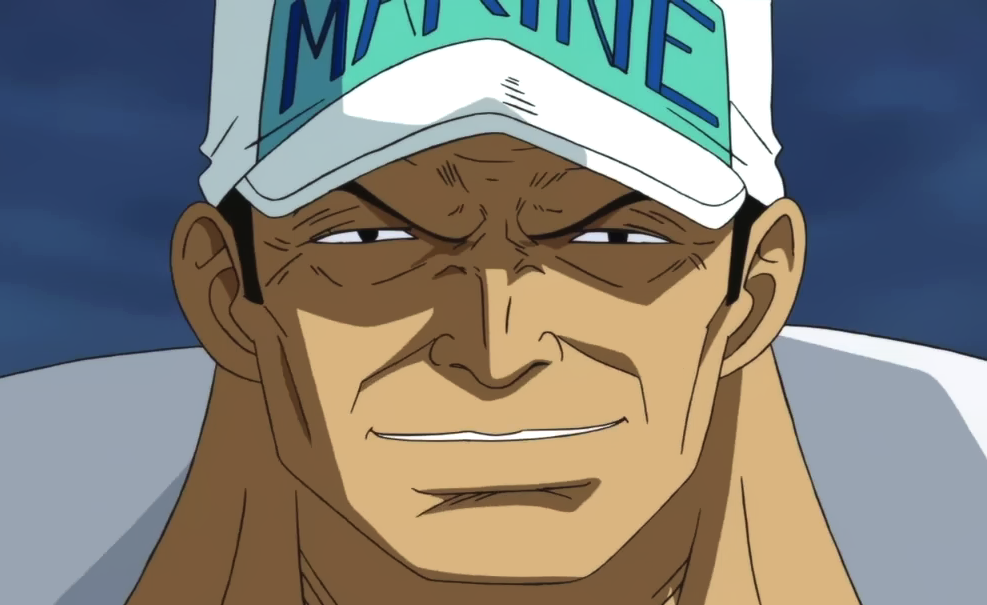
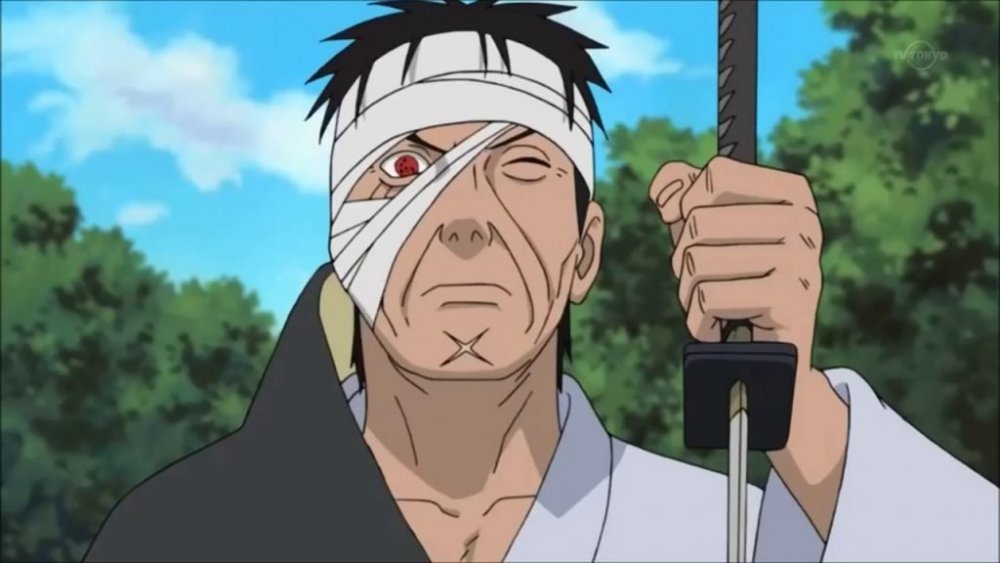
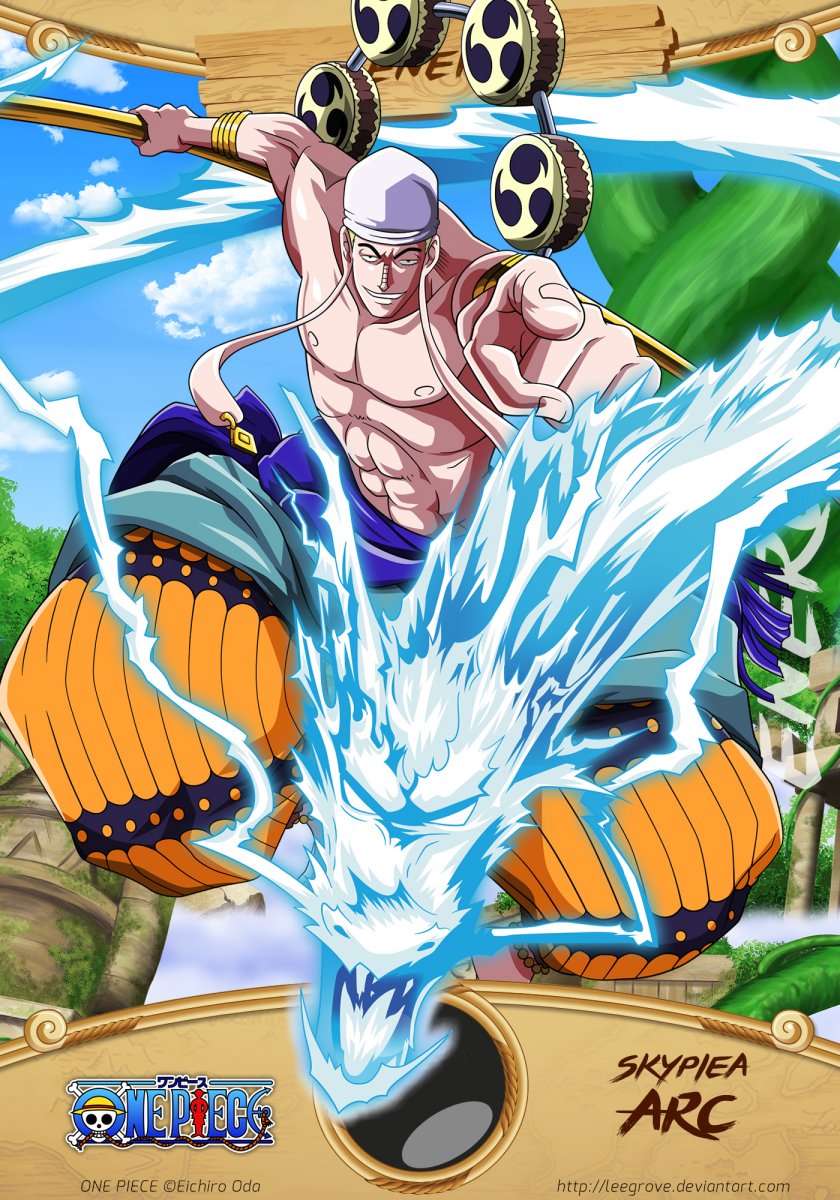
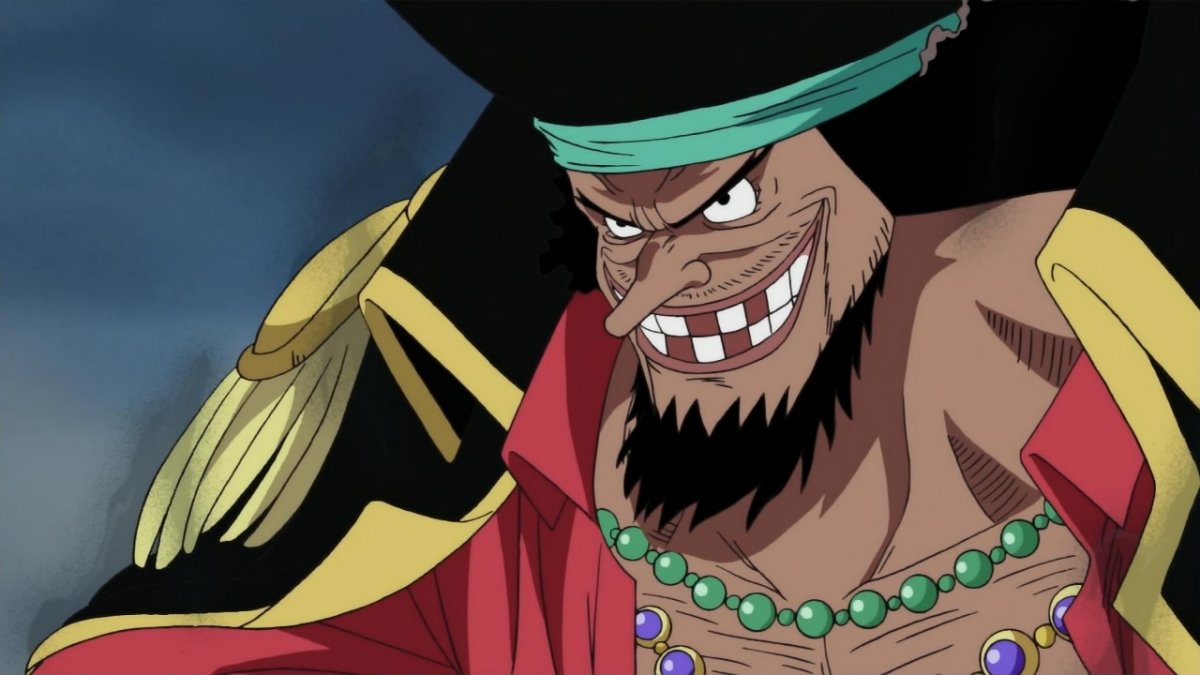
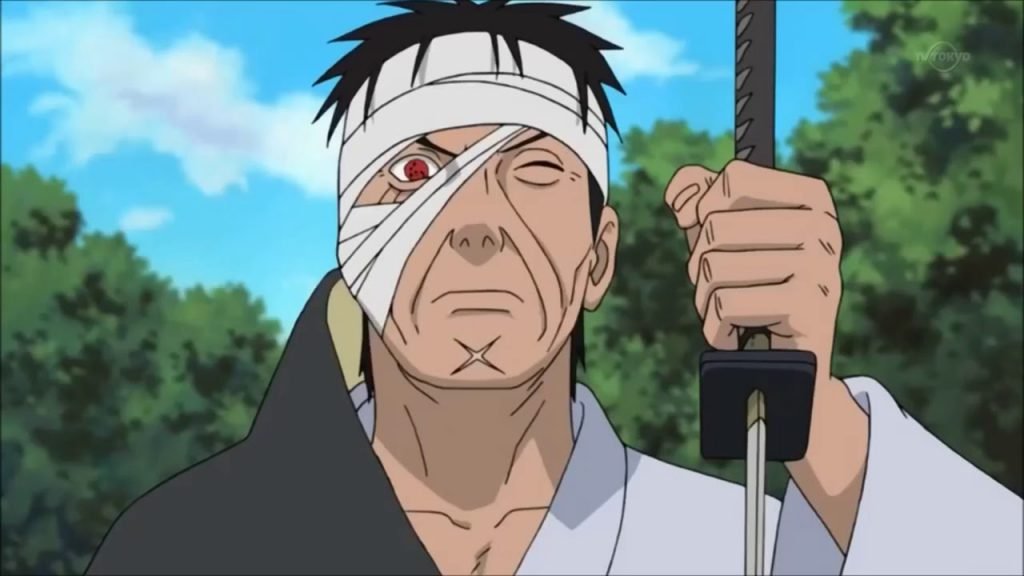
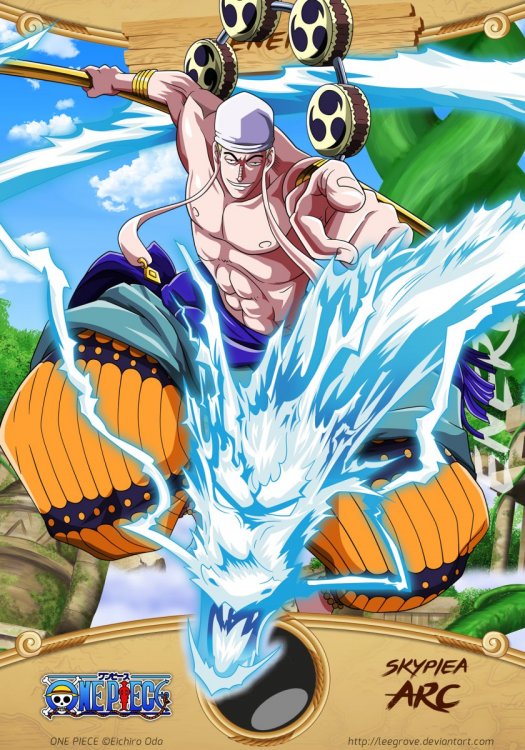
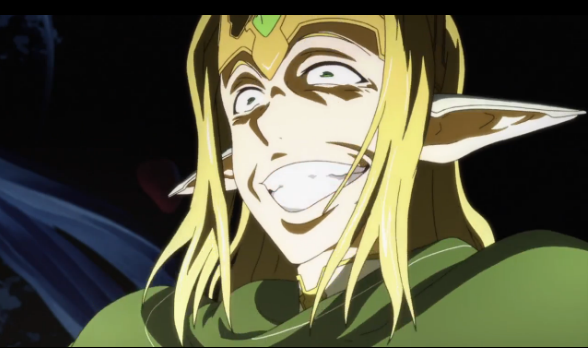
  5. Liste des personnages que je déteste le plus: (top5) 1- Enel from One Piece 2- Sugou Nobuyuki from Sword Art Online 3- Blackbeard from One Piece 4-Akainu from One Piece 5 -Danzo Shimura from Naruto Shippudden Quel personnage d'anime détestes-tu le plus?
Account

Navigation

Rechercher

Rechercher

Configure browser push notifications

Chrome (Android)
  1. Tap the lock icon next to the address bar.
  2. Tap Permissions → Notifications.
  3. Adjust your preference.
Chrome (Desktop)
  1. Click the padlock icon in the address bar.
  2. Select Site settings.
  3. Find Notifications and adjust your preference.