Aller au contenu
View in the app

A better way to browse. Learn more.

Omerta

A full-screen app on your home screen with push notifications, badges and more.

To install this app on iOS and iPadOS
  1. Tap the Share icon in Safari
  2. Scroll the menu and tap Add to Home Screen.
  3. Tap Add in the top-right corner.
To install this app on Android
  1. Tap the 3-dot menu (⋮) in the top-right corner of the browser.
  2. Tap Add to Home screen or Install app.
  3. Confirm by tapping Install.

Naej24000

Membre
  • Inscription

  • Dernière visite

  1. Naej24000 a posté un sujet dans Non Vérifiés
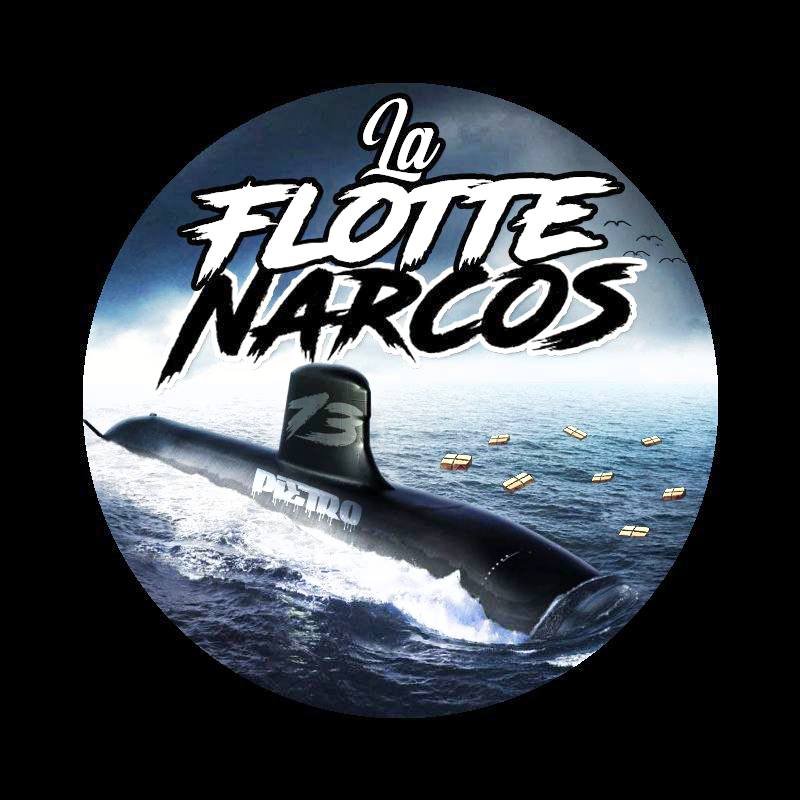
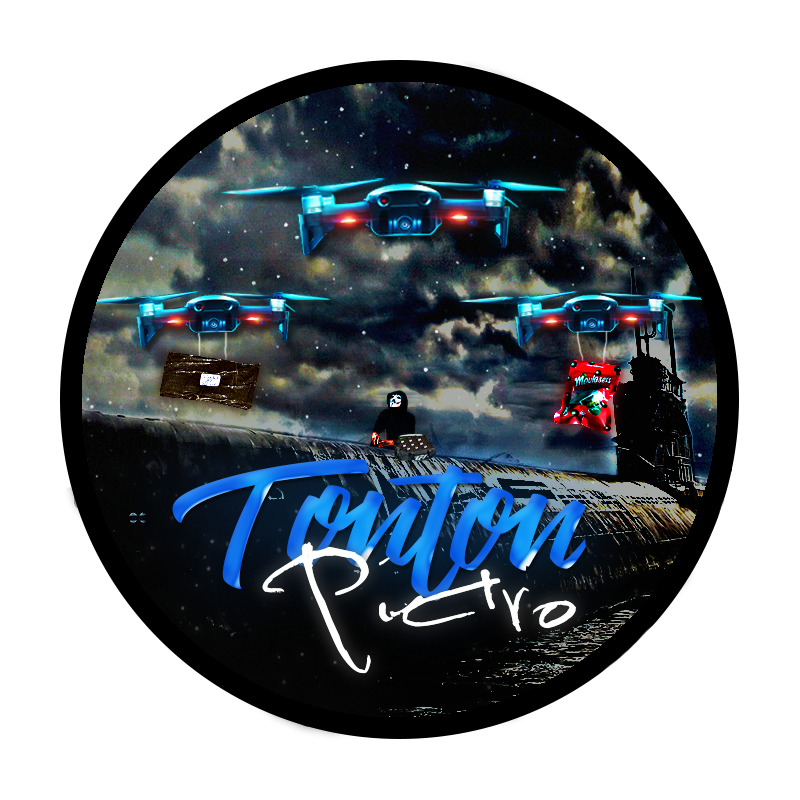
    Yo la fava, ça fais 8 ans je suis passionnée dans le design, je fais beaucoup de design pour des Coffeeshops/Charbons en tout genre etc... J'ai un portfolio : naejrisingartistry.carbonmade.com Et je vous met les 10 designs les plus récents que j'ai fait

  2. Hé merce bien, ptn j'arrive pas à croire que je répond pour avoir son onlyf
  3. un poste dans un thread a répondu à Naej24000 dans Logiciels
    Qu'est que ça veux dire scrape et merce pour ton partage
  4. Ouffisime enfin un très bon partage merci le boss
  5. Yoo merci du partage j'espère trouver un pépite parce que les dossier 2009 ça fatigue impeu
  6. En vrai si ça marche je vais essayer, challah ça marche

Account

Navigation

Rechercher

Rechercher

Configure browser push notifications

Chrome (Android)
  1. Tap the lock icon next to the address bar.
  2. Tap Permissions → Notifications.
  3. Adjust your preference.
Chrome (Desktop)
  1. Click the padlock icon in the address bar.
  2. Select Site settings.
  3. Find Notifications and adjust your preference.