mknet
Actif
-
Inscription
-
Dernière visite
Tout ce qui a été posté par mknet
-
[hide] CCLEANER PRO - APPAREILS ILLIMITÉS Quelques étapes pour utiliser le crack : 1- Téléchargez et installez la dernière version : https://www.ccleaner.com/ccleaner/download/standard 2- Téléchargez le crack et choisissez la version que vous voulez. 3- Copiez-collez les fichiers crack (.dat & .dll) dans le dossier d'installation de CCleaner. https://www.sendspace.com/file/h8wx0o Les dernières étapes importantes : 4- Editez le fichier hosts (?C:\Windows\System32\drivers\etc\hosts) et ajoutez cette ligne : 127.0.0.1 licence-api.ccleaner.com ou téléchargez et remplacez par celui-ci : https://www.sendspace.com/file/2doeqk 5- Redémarrez votre PC. [/hide]
-
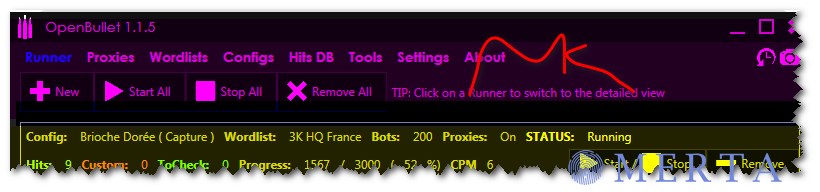
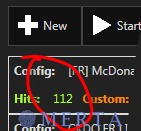
voila une foto pour les membres quinon acceptez la config

-
auourdui je vous propose une config Brioche Doree.fr [hide]https://mega.nz/file/K1QRlb6R#Jbc2miSixz11C_PUuReVoVks4pJvFiZze7qrf-uwGpo [/hide]

-
[hide]https://mega.nz/file/iggAUTTC#xhfRskidg5jsTcxPkY2X5kzXts6kcPNKfNdD-BuSMeo [/hide]
-
[hide]https://mega.nz/file/boxwkQAB#3ykvbBGV2gBPw7fIbUN-UAsTCKtYDwyrBTgeoDbnSZ4 [/hide]

-
[hide] https://mega.nz/file/asQwkBgK#bngdPdmiEQ5ST0LiI3PXuvZL3XivAwjVMMVVSKTsOpM[/hide]
-
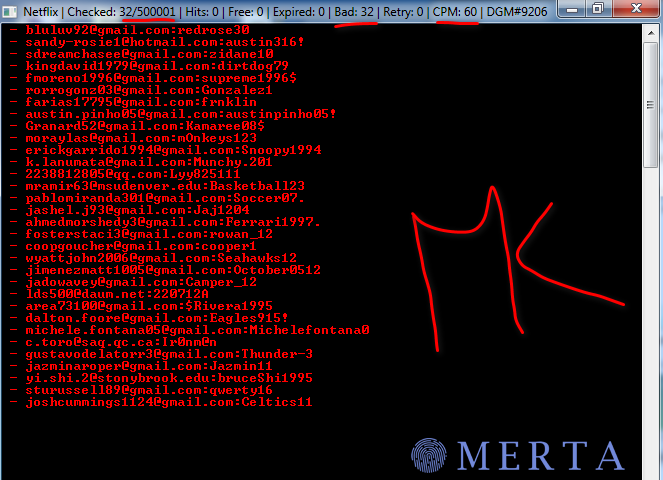
[hide] https://www.mediafire.com/file/n3kvvp3t2xzg855/Netflix.rar/file[/hide]
-
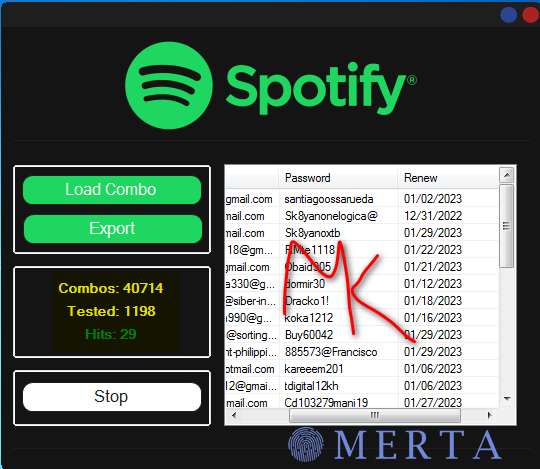
[hide] https://www.mediafire.com/file/w15n0pnb877xoka/Spotify+Tools+PACK.rar/file[/hide]
-
[hide]https://mega.nz/file/6x5V0C7T#vuAUQ2r2-aAewT1qth1rD8BGMSGHgqjTkPvlLtqREeE [/hide]
-
[hide]https://www.mediafire.com/file/lg36x9m0to65adj/MyCanal+full+capture.anom/file [/hide]
-
[hide]https://www.mediafire.com/file/vbh892plz826o64/ExpressVPN+Web.loli/file [/hide]
-
[hide]https://mega.nz/file/CtoBBLwA#8wnEznGOAuzhnMNmQTRbAPxdaXEExq_e3tp5GFw0JmI [/hide]
-
[hide] https://mega.nz/file/vxRGSTRY#y0gvPqIh-6OxX16msqDx0Fs3plZe-qR0HJwKgzEyqlA[/hide]
-
[hide] [/hide]
-
BON PARTGE FRERE
-
[hide]https://mega.nz/file/i9h3CC5Q#K1AYPsHS5uAbbATgyJJJPFcXTT1EFld1UdJIWr6ZK4Y [/hide]
-
[hide] https://mega.nz/file/v0IUHCSK#qfQjUGmnpsHE9_iiIwsYiMXR0aKrvbZi8sv9VsvbQFg[/hide]
-
[hide]https://www.mediafire.com/file/6xzzpyq7v9ke02u/Disney++Capture(High+CPM).anom/file [/hide]
-
[hide]https://www.mediafire.com/file/qpm2zj1r75ij6bs/OrangeTV.anom/file [/hide]
-
https://www.mediafire.com/file/5e5ho450ln83l2o/Crunchyroll.loli/file
-
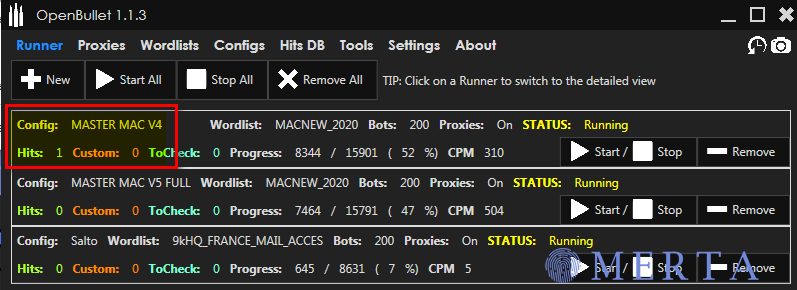
[hide]https://www.mediafire.com/file/1hkoqnjg7lf3tk7/MASTER+MAC+V4+(m.e27948.com).loli/file [/hide]
-
[hide]https://mega.nz/file/v5w3RSjZ#lOIWEGZ30mTSIBodKLIBHmCm3o9ExK5H9MvouNOzFM4 [/hide]
-
IPTVMASTERS BLACK AND WHITE MAC SCAN [hide]https://mega.nz/file/W5B2VZ6T#BBLyb8921klLoRvnNc-37TXV5KxvLUxWR-wtFMuFcFE [/hide]
-
Free Web Hosting cwahi - http://cwahi.com 110mb - http://110mb.com Ripway - http://ripway.com SuperFreeHost - http://superfreehost.info Freehostia - http://freehostia.com Freeweb7 - http://freeweb7.com t35 - http://t35.com Free Web Hosting Pro - http://freewebhostingpro.com Awardspace - http://awardspace.com PHPNet - http://phpnet.us ProHosts - http://prohosts.org 000webhost - http://000webhost.com AtSpace - http://atspace.com FreeZoka - http://www.freezoka.com
-
bon oartage et bon config