Aller au contenu
View in the app

A better way to browse. Learn more.

Omerta

A full-screen app on your home screen with push notifications, badges and more.

To install this app on iOS and iPadOS
  1. Tap the Share icon in Safari
  2. Scroll the menu and tap Add to Home Screen.
  3. Tap Add in the top-right corner.
To install this app on Android
  1. Tap the 3-dot menu (⋮) in the top-right corner of the browser.
  2. Tap Add to Home screen or Install app.
  3. Confirm by tapping Install.

Killua69

Membre
  • Inscription

  • Dernière visite

  1. Vazy test sa, je suis tomber sur un ebook anglais tu colle
  2. Let’s go ! Test sa et on verras
  3. ❗️❗️LIEN INVALIDE ❗️❗️
  4. Regardons sa Merci
  5. Killua69 a posté un sujet dans Non Vérifiés
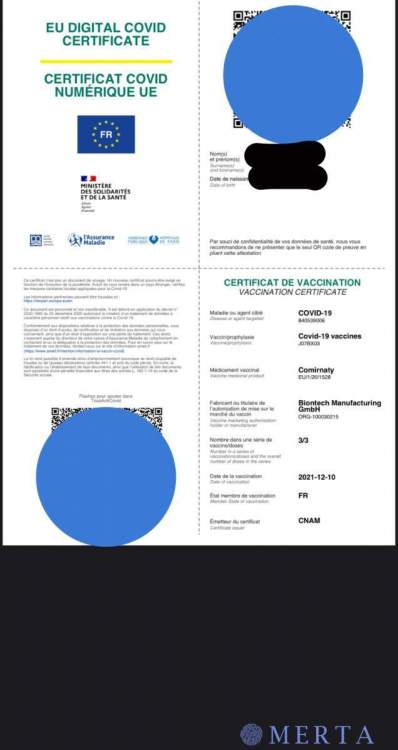
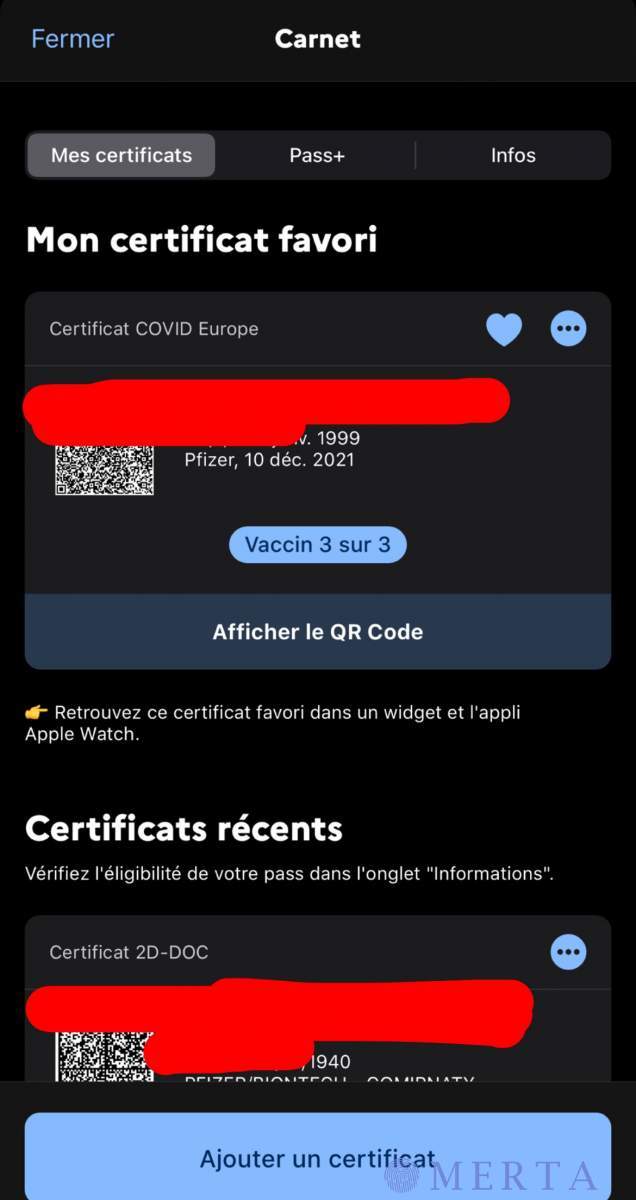
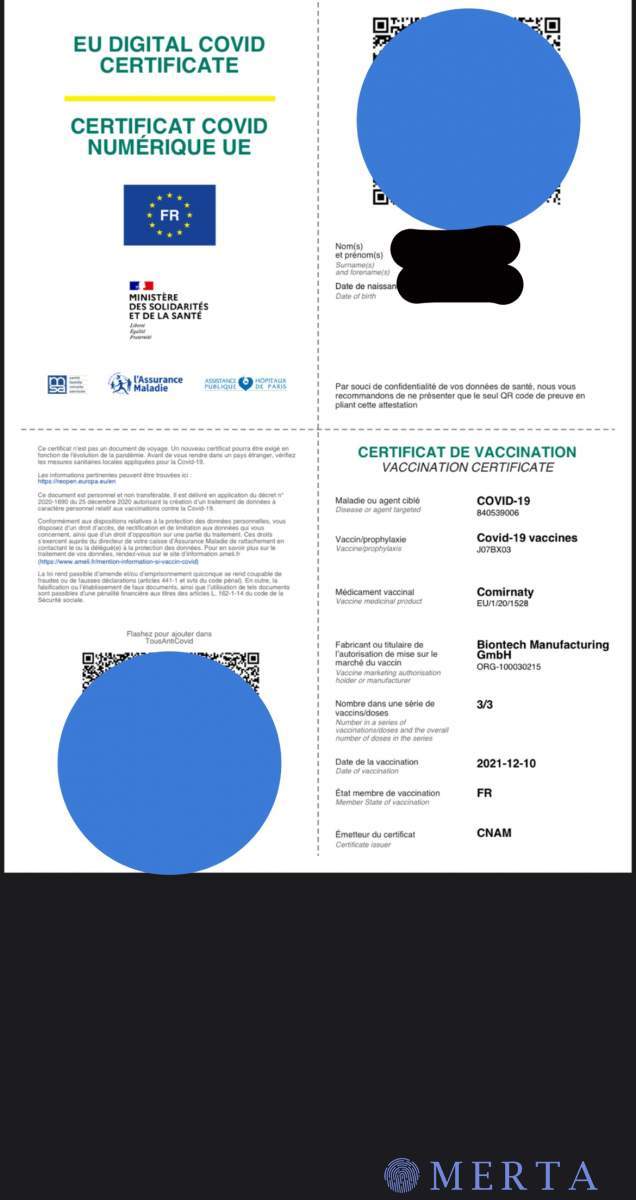
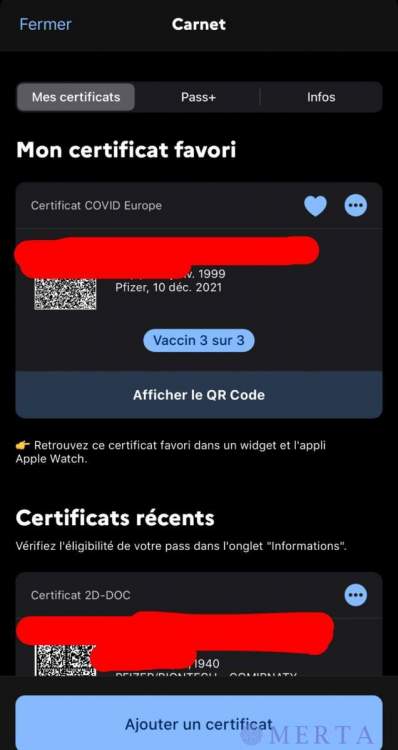
    Bonjour, je vend Pass Vaccinal - 1 doses / 2 doses / 3 doses - Certificat Covid Numérique UE -Pouvant être importer sur « Tous anti covid » -Service de Qualité ✅ -Moins de 72h ✅ Enfin la liberté dans ce bas monde ! Cinema 🎥 Restaurant 🍔 Boire un verre avec les proches 🍻 Snap: killua6933
  6. Woahhh en esperant que sa sois pas on off
  7. Bonsoir, ajoute moi sur snap: Killua6933
  8. Go voir sa
  9. Let’s go ! Ahah j’en dirais des nouvelles
  10. Killua69 a répondu à PRM dans le sujet Configs
  11. Killua69 a répondu à PRM dans le sujet Configs
    Go test sa

Account

Navigation

Rechercher

Rechercher

Configure browser push notifications

Chrome (Android)
  1. Tap the lock icon next to the address bar.
  2. Tap Permissions → Notifications.
  3. Adjust your preference.
Chrome (Desktop)
  1. Click the padlock icon in the address bar.
  2. Select Site settings.
  3. Find Notifications and adjust your preference.