Aller au contenu
View in the app

A better way to browse. Learn more.

Omerta

A full-screen app on your home screen with push notifications, badges and more.

To install this app on iOS and iPadOS
  1. Tap the Share icon in Safari
  2. Scroll the menu and tap Add to Home Screen.
  3. Tap Add in the top-right corner.
To install this app on Android
  1. Tap the 3-dot menu (⋮) in the top-right corner of the browser.
  2. Tap Add to Home screen or Install app.
  3. Confirm by tapping Install.

4keno

Membre
  • Inscription

  • Dernière visite

  1. 4keno a répondu à AskaD dans le sujet Tutoriels / Ebooks
    thx bb
  2. thx bg EDIT: ça marche pas (pour moi)
  3. ça marche bien ?
  4. thx
  5. 4keno a répondu à Kadesti dans le sujet Logiciels
    thx
  6. 4keno a répondu à bape dans le sujet Cryptomonnaie
    thx mon frero
  7. thx
  8. On est déjà 8, 9, à miner la
  9. On a pas de groupe à part entier, chacuns mine dans son coin mais en gros on mine en réseaux, du coup tu rejoins le réseau et pis t'a un multiplicateur
  10. Bah ça dépend, le site fonctionne bcp sous invite, plus t'inviteras de gens + t'auras un multiplicateur, mais sans multipli au début je faisais 40 centimes par jour un peu près
  11. on va check ça merci bg
  12. Salut, Avec des mecs on a décidé de miner du BTC en groupe pour se faire un peu d'oseille (environ 60e chacuns par mois). Du coup si vous voulez nous rejoindre pour en miner c'est ici: https://cryptotabbrowser.com/12410028 Pour ceux qui connaissent pas, ça fonctionne sous forme de navigateur, tu le laisses tourner et pis il mine automatiquement du BTC. Tu peux choisir à combien de H/S tu veux tourner, perso je tourne à 8k/9k avec un gros proc (sans forcer) et jme fais 2e par jour.
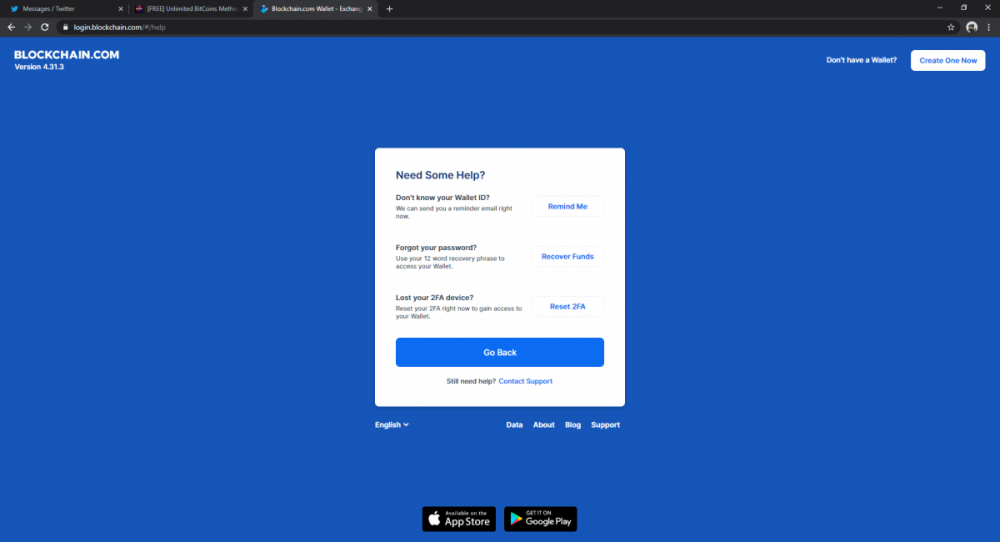
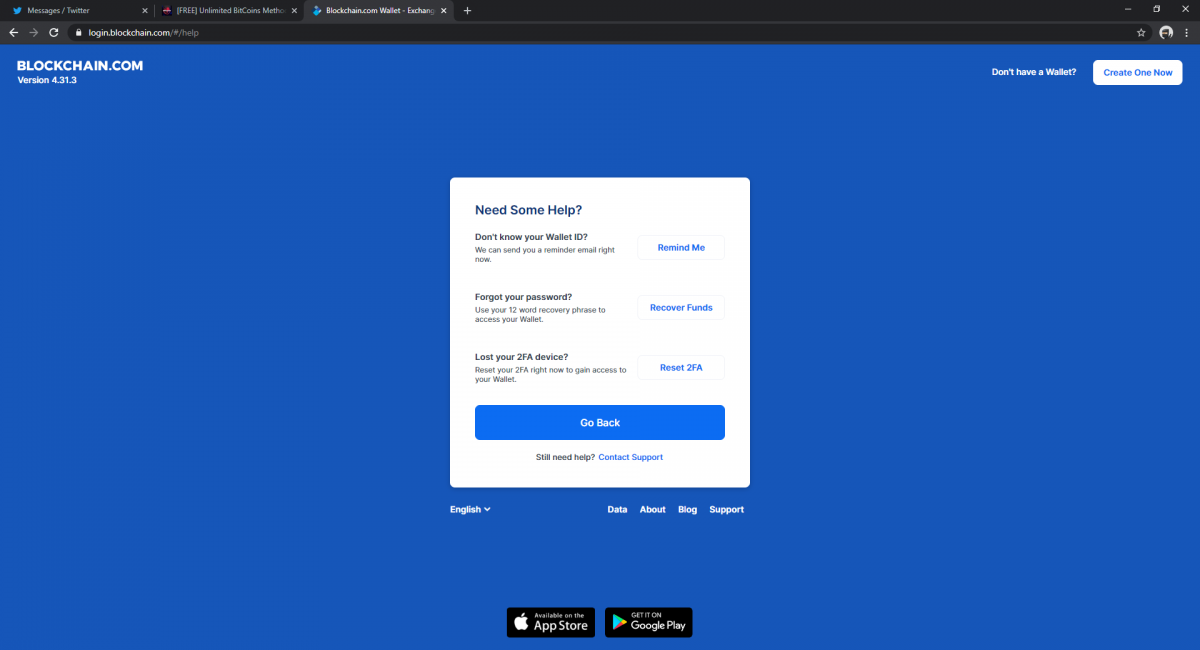
  13. J'ai pas recover funds

Account

Navigation

Rechercher

Rechercher

Configure browser push notifications

Chrome (Android)
  1. Tap the lock icon next to the address bar.
  2. Tap Permissions → Notifications.
  3. Adjust your preference.
Chrome (Desktop)
  1. Click the padlock icon in the address bar.
  2. Select Site settings.
  3. Find Notifications and adjust your preference.