
Aller au contenu
View in the app

A better way to browse. Learn more.

Omerta

A full-screen app on your home screen with push notifications, badges and more.

To install this app on iOS and iPadOS
  1. Tap the Share icon in Safari
  2. Scroll the menu and tap Add to Home Screen.
  3. Tap Add in the top-right corner.
To install this app on Android
  1. Tap the 3-dot menu (⋮) in the top-right corner of the browser.
  2. Tap Add to Home screen or Install app.
  3. Confirm by tapping Install.

Katsushi

Prime
  • Inscription

  • Dernière visite

Tout ce qui a été posté par Katsushi

  1. Tu t'es fail sur le hide je crois
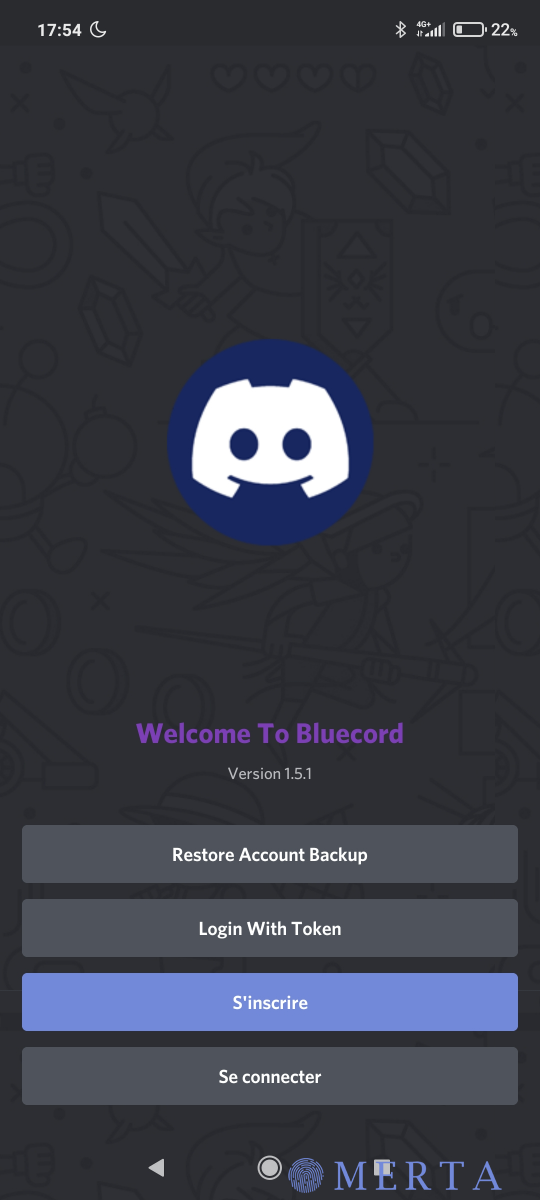
  2. Utilise bluecord
  3. Je trouves aucune tech pour vérif mon Paypal en espérantq eu ça marche pour une fois
  4. Go test mais j'espere que la compatibilité avec MIUI est bonne Edit : c'est pas ouf enfaite je suis pas méchant avec les piti kikoo
  5. Nice merci je vais pouvoir unlock mon compte paypal ma propre carte ne passe pas
  6. Merci plus besoin de travailler mtn Seul le liens du bac est fonctionnel
  7. Merci bcp j'essaye lui j'arrive pas la tech du qr
  8. Nice merci du partage j'en ai besoin car ya des méchant pas gentil qui me doivent de l'argent Mais il n'y a pas une tech avec un liens ou juste si il click et se connect on à les informations de la victime ou son token ?
  9. [hide] https://bluesmods.com/bluecord/ [/hide]
  10. Je vais tester j'edit pour dire si ça marche
  11. un poste dans un thread a répondu à Katsushi dans Tutoriels / Ebooks
    Ptdr j'étais en train de chercher une solution

Account

Navigation

Rechercher

Rechercher

Configure browser push notifications

Chrome (Android)
  1. Tap the lock icon next to the address bar.
  2. Tap Permissions → Notifications.
  3. Adjust your preference.
Chrome (Desktop)
  1. Click the padlock icon in the address bar.
  2. Select Site settings.
  3. Find Notifications and adjust your preference.