
Gugui
Membre
-
Inscription
-
Dernière visite
Tout ce qui a été posté par Gugui
-
-
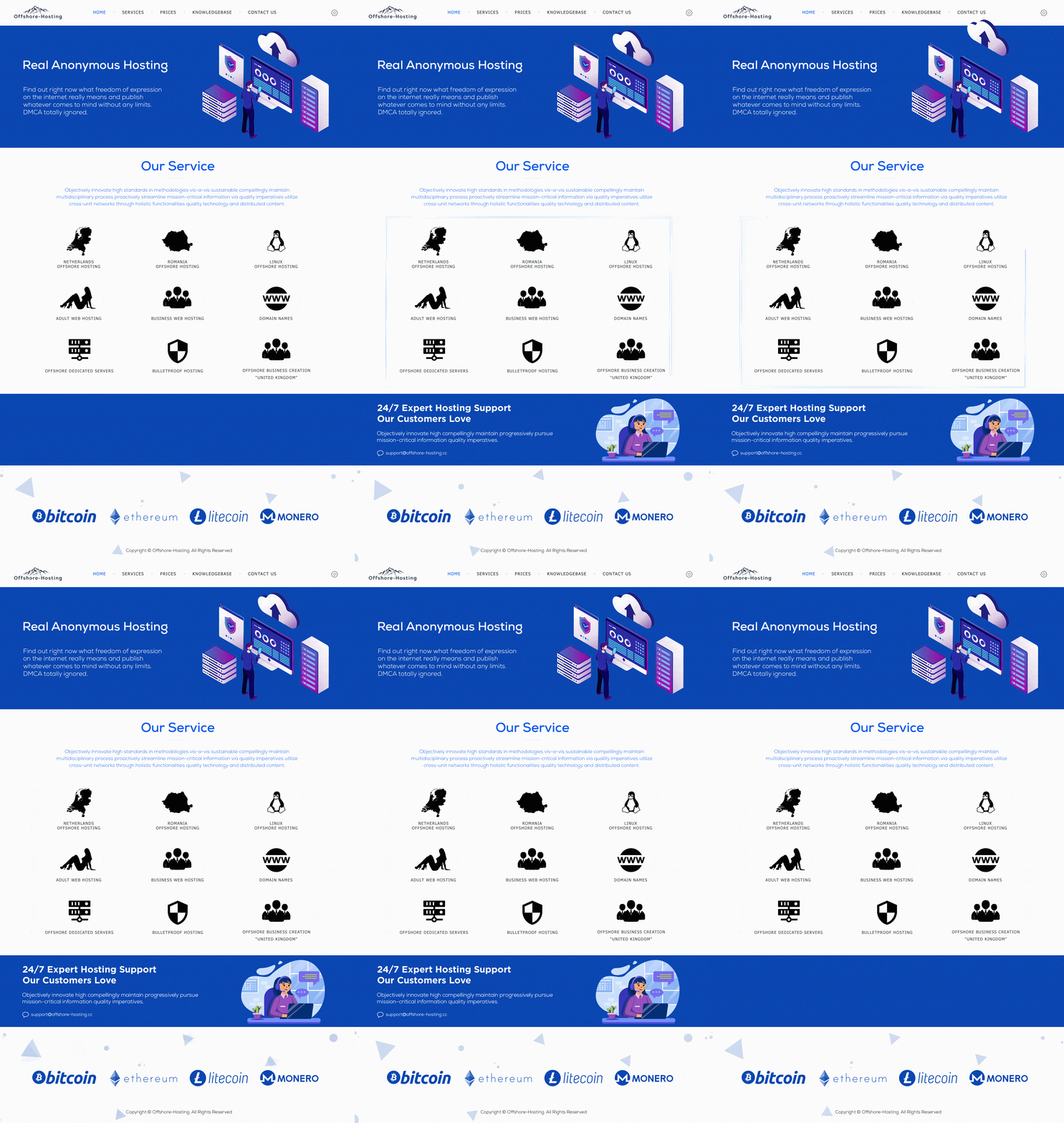
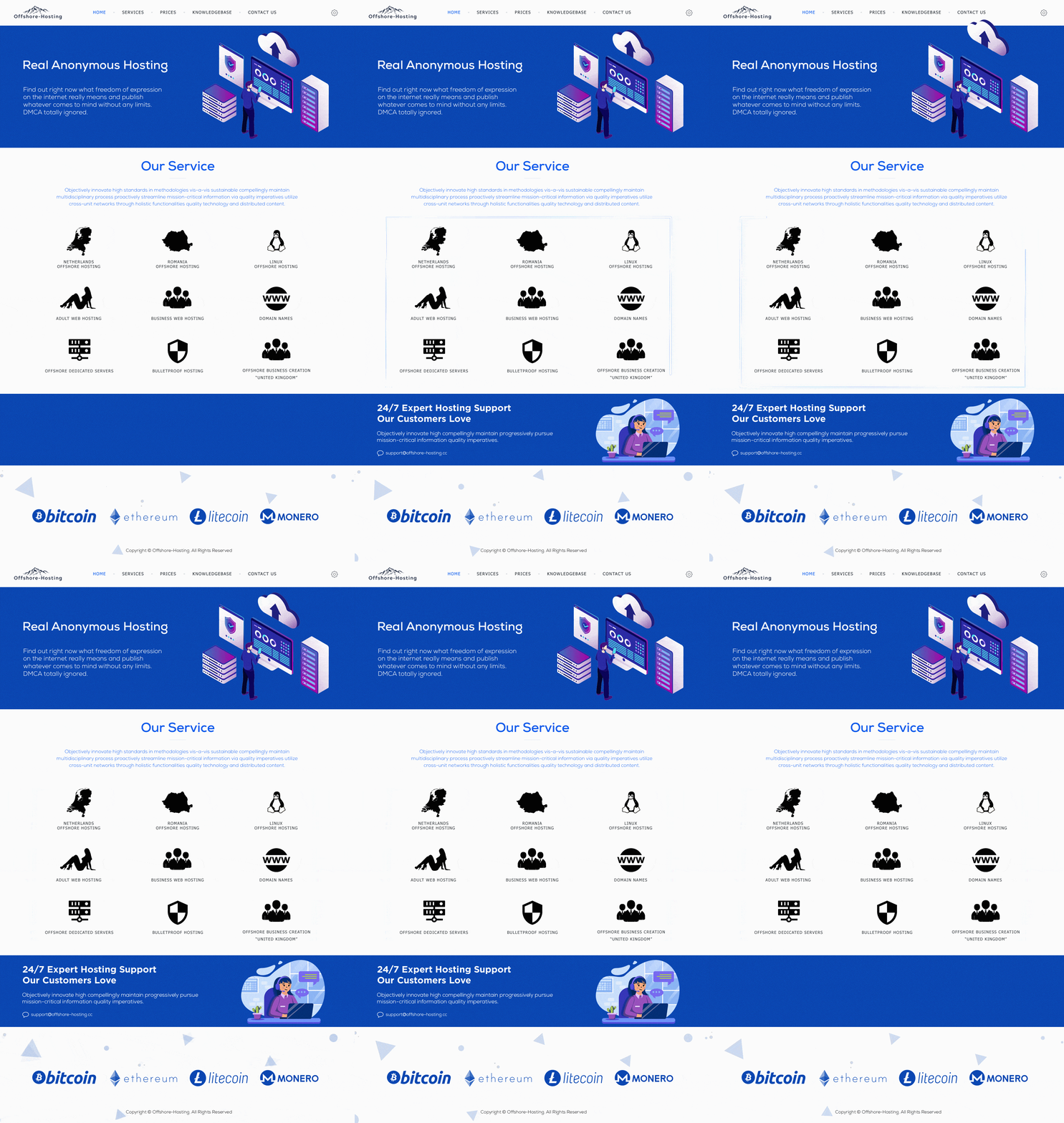
Un service "offshore" c'est quoi ? L'hébergement offshore consiste à utiliser des serveurs situés en dehors de votre pays d'origine pour héberger votre site web. Pour être plus clair, vous avez plus de liberté d'expression sur le contenu qui est posté sur votre site web. Pourquoi choisir Offshore-Hosting ? Offshore-Hosting n'est pas un hébergeur "standard" qui fera sauter votre site à la moindre demande par mail. Nous sommes une équipe très ouverte d'esprit et acceptons pratiquement tout (sauf ce qui peut nuire aux machines). Soyez sûre que votre service ne soit jamais interrompu avec nous. Où sont situés les serveurs : - Netherlands 🇳🇱 - Roumanie 🇷🇴 - Malte 🇲🇹 - Seychelles 🇸🇨 Les différents services que nous proposons : - Netherlands Offshore Hosting - Romania Offshore Hosting - Linux Offshore Hosting - Offshore Dedicated Server - Adult Web Hosting - Business Web Hosting - Bulletproof Hosting - Offshore Company - Professional Email - Domain name registration Les moyens de paiements acceptés : * Toutes les cryptomonnaies (Coinbase/CoinPayments) * Paiement par carte bancaire (Stripe) Site Web : https://offshore-hosting.cc/ Twitter : https://twitter.com/offshorehostcc Instagram : https://www.instagram.com/offshore_hosting