Aller au contenu
View in the app

A better way to browse. Learn more.

Omerta

A full-screen app on your home screen with push notifications, badges and more.

To install this app on iOS and iPadOS
  1. Tap the Share icon in Safari
  2. Scroll the menu and tap Add to Home Screen.
  3. Tap Add in the top-right corner.
To install this app on Android
  1. Tap the 3-dot menu (⋮) in the top-right corner of the browser.
  2. Tap Add to Home screen or Install app.
  3. Confirm by tapping Install.

Malacho

Membre
  • Inscription

  • Dernière visite

  1. Malacho a répondu à Malacho dans le sujet Tutoriels / Ebooks
    Oui il date de quelques temps, toujours fonctionnel pour du RF basique
  2. Malacho a posté un sujet dans Tutoriels / Ebooks
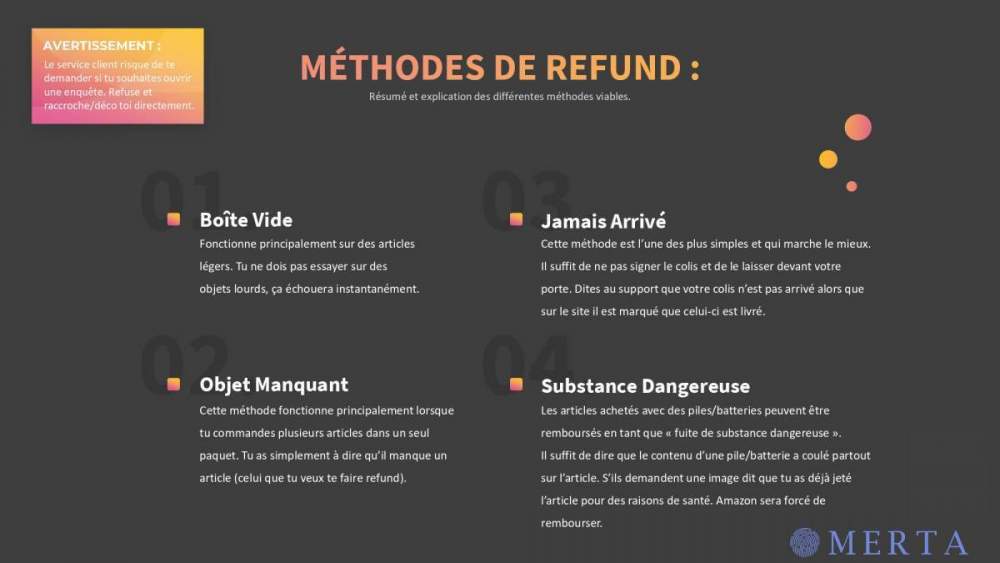
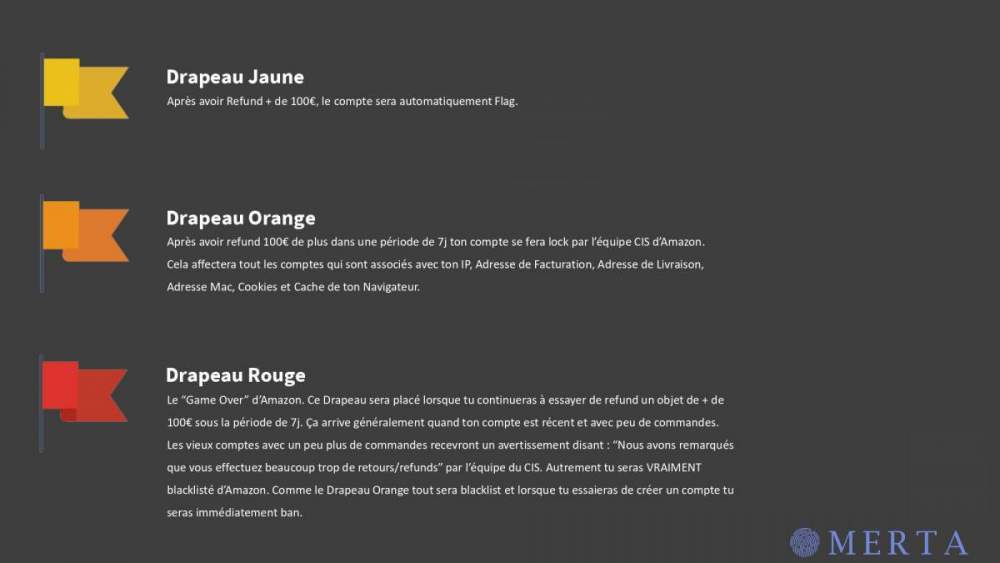
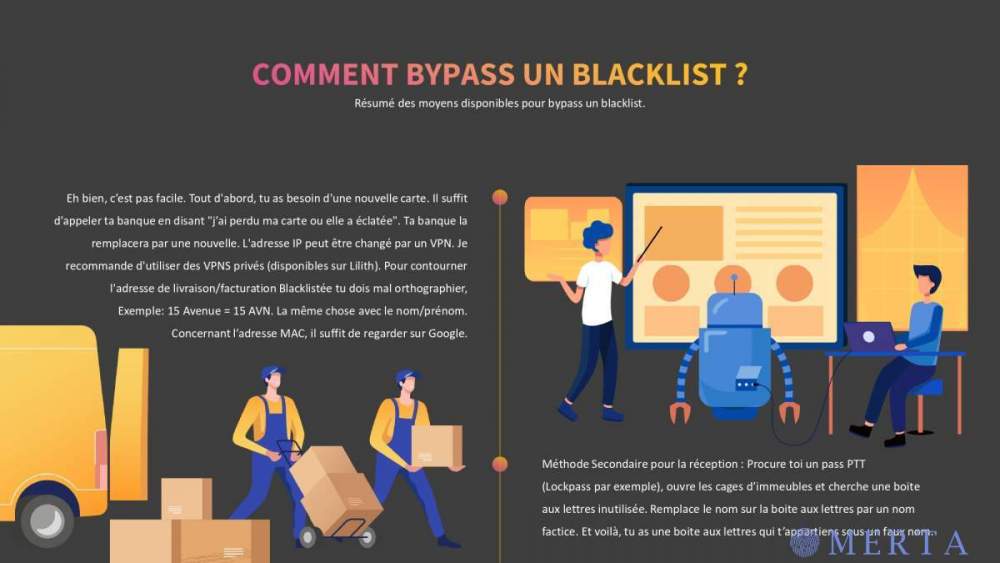
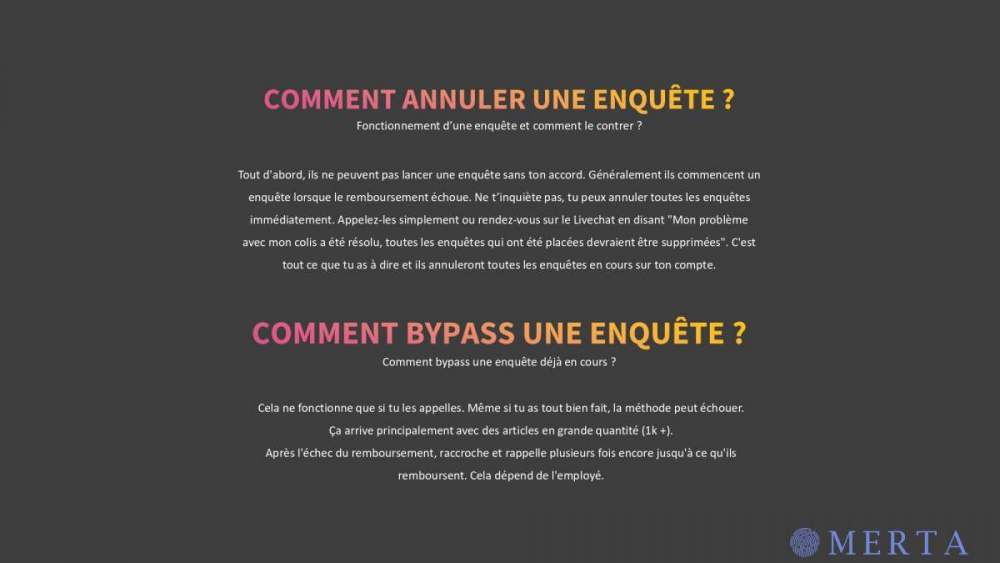
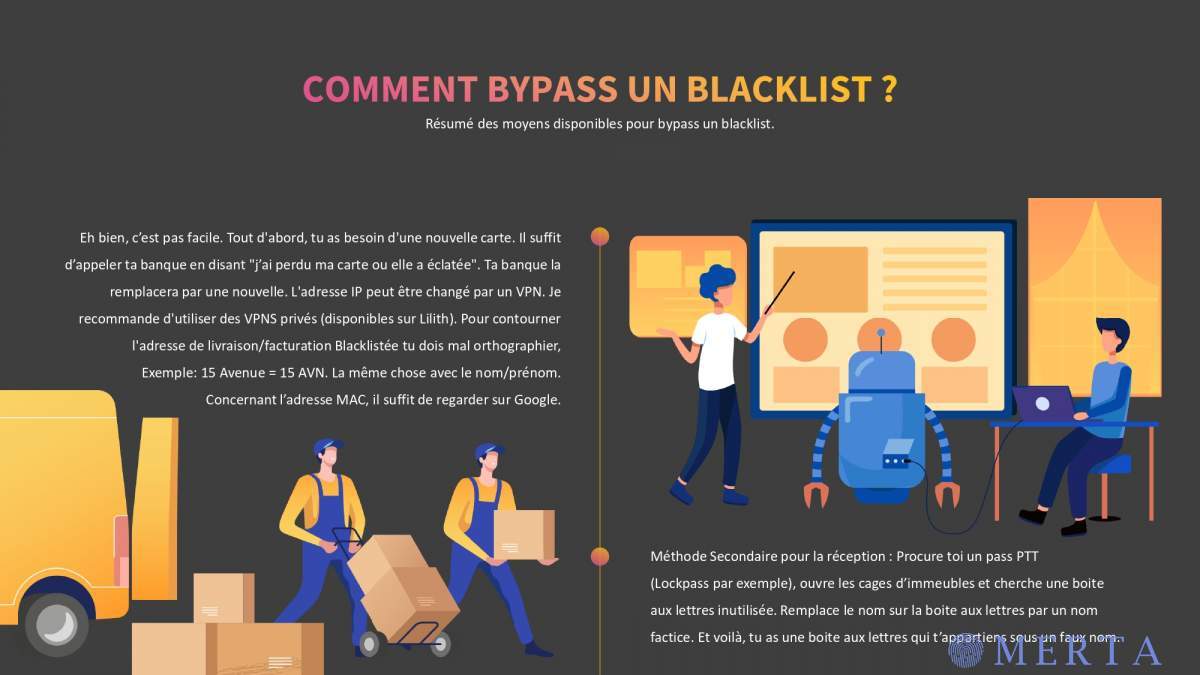
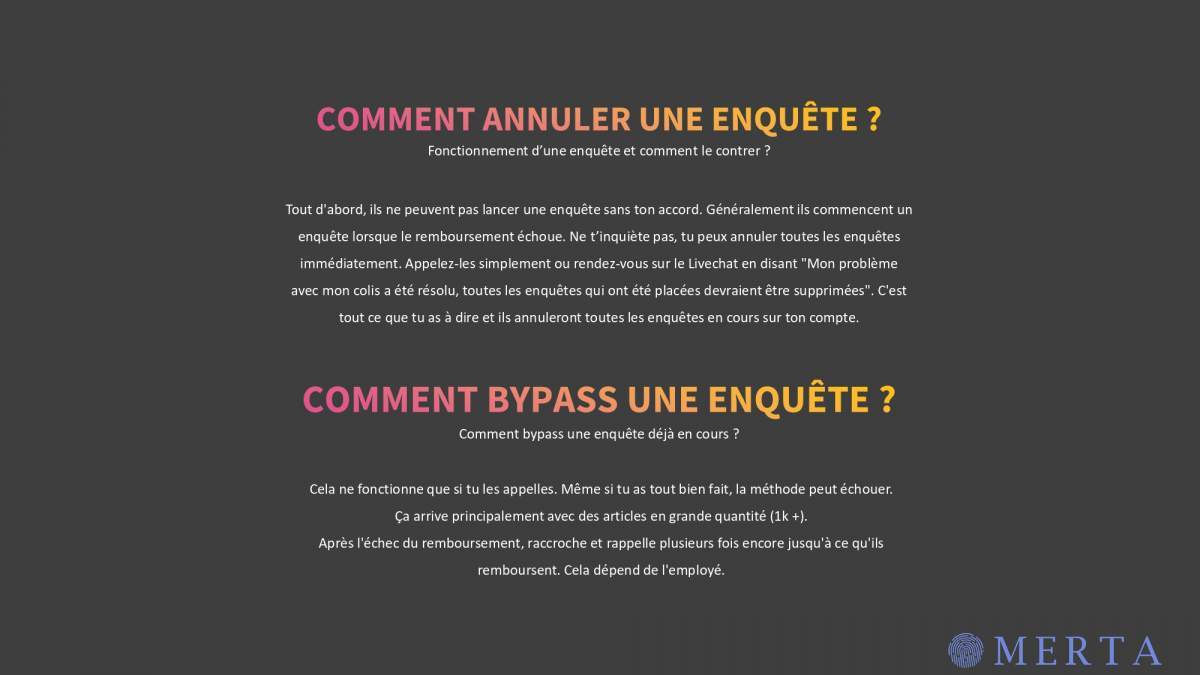
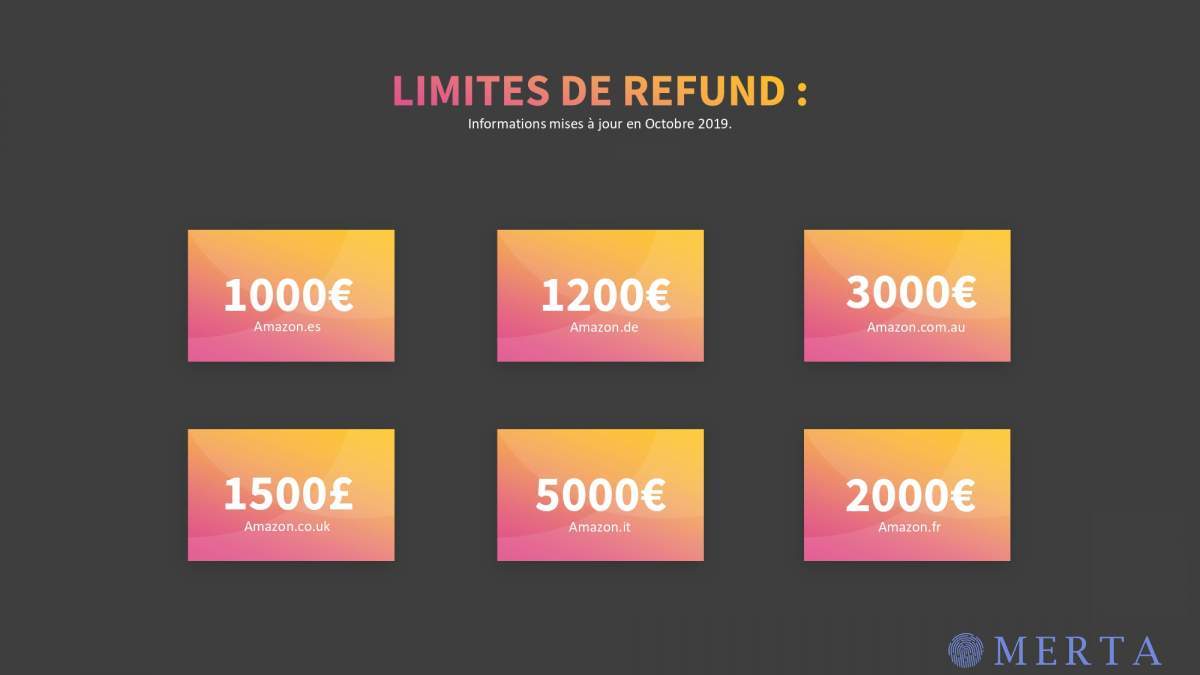
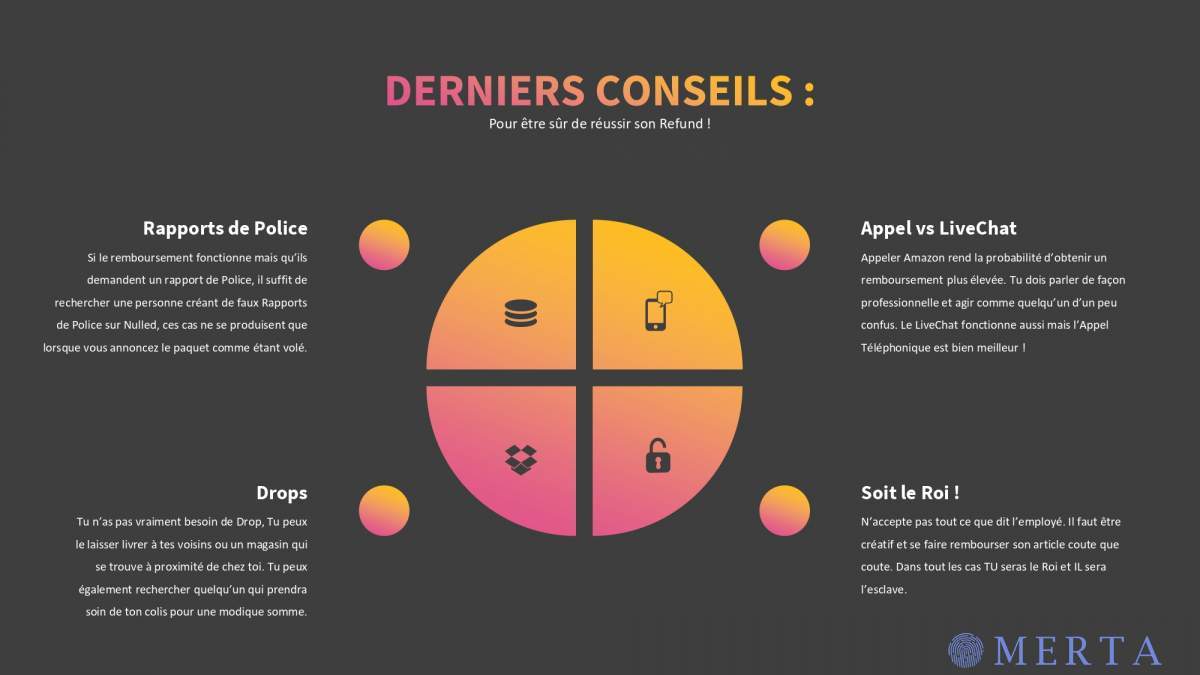
    Je met a disposition cet ebook de refund by aloegarten très simple et efficace [hide] [/hide]

  3. aloe dans l'EW? il a toujours insulté ca
  4. ok go test, merci pour tout les tips que tu donnes sur le forum
  5. Malacho a commencé à suivre PRM
  6. sympa tres complet merci
  7. Malacho a commencé à suivre ShuriK'n
  8. salut je debute j'espère que ca aidera
  9. tres pratique d'utiliser ca merci
  10. Salut merci pour ca je cherchais depuis quelques temps 🙂
  11. Bonjour quelqu’un aurait le leak info produit ? Merci
  12. Salut merci pour ton partage je vais lire tout ca
  13. salut merci pour cette initiation
  14. sympa de leak sa merci
  15. suepr cool je te remercie
  16. ca a l air interessant merci

Account

Navigation

Rechercher

Rechercher

Configure browser push notifications

Chrome (Android)
  1. Tap the lock icon next to the address bar.
  2. Tap Permissions → Notifications.
  3. Adjust your preference.
Chrome (Desktop)
  1. Click the padlock icon in the address bar.
  2. Select Site settings.
  3. Find Notifications and adjust your preference.