
pedrucas
Membre
-
Inscription
-
Dernière visite
Tout ce qui a été posté par pedrucas
-
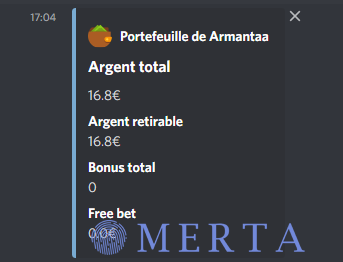
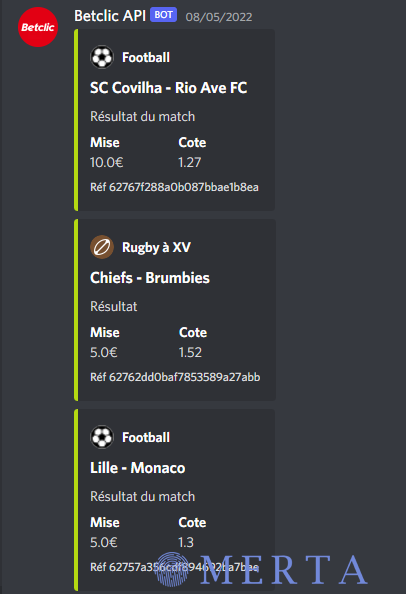
Bonsoir, Mon équipe et moi même sommes fière de vous présenter un projet actuellement en Early Release: Ce projet est actuellement en production depuis maintenant 1 semaine. BETCLIC API QUI SOMMES NOUS? EN QUOI CONSISTE VOTRE PROJET? QUEL SONT LES PRINCIPALES FEATURES DU PROJET? Comme vous le savez déjà, le projet est en Early Release et vous propose diverse features tel que: L'affichage des matchs en liveL'affichage de votre walletChecker (Proxyless) Mail:PassBruteforcer pour bypass l'A2FL'affichage des paris en cours et effectuésUn système de pronostic sur des paris en live basé sur plusieurs paramètresAffichage de statistiques des matchs QUEL SONT LES OBJECTIFS SUR LE LONG-TERME? Notre équipe vise des objectifs pour l'avenir principalement sur le développement de l'IA (Deep-learning).L'analyse pré-matchLa diversité des paris sportifsAjout de combinés SHOWCASE Afin d'éviter tout problème de ToS avec le staff concernant les conditions de mise en vente, notre API sera gratuite [hide] https://discord.gg/qJP6UYe48S [/hide]

-
Merci beaucoup pour ton partage intéressant