modie94
Membre
-
Inscription
-
Dernière visite
Tout ce qui a été posté par modie94
-
tie un monstre
-
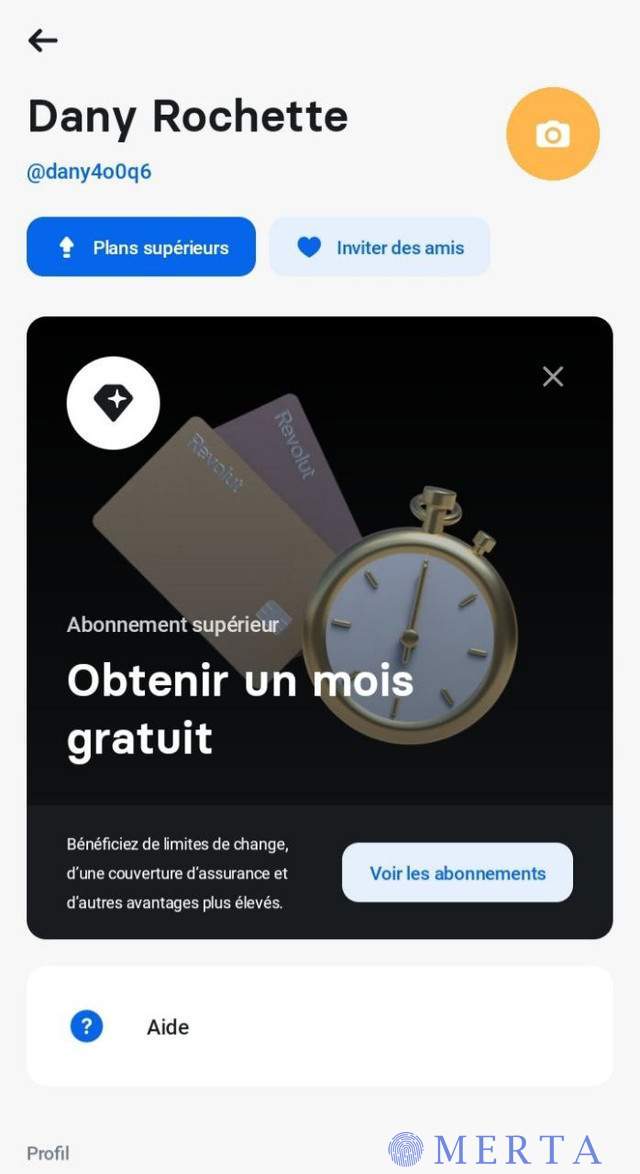
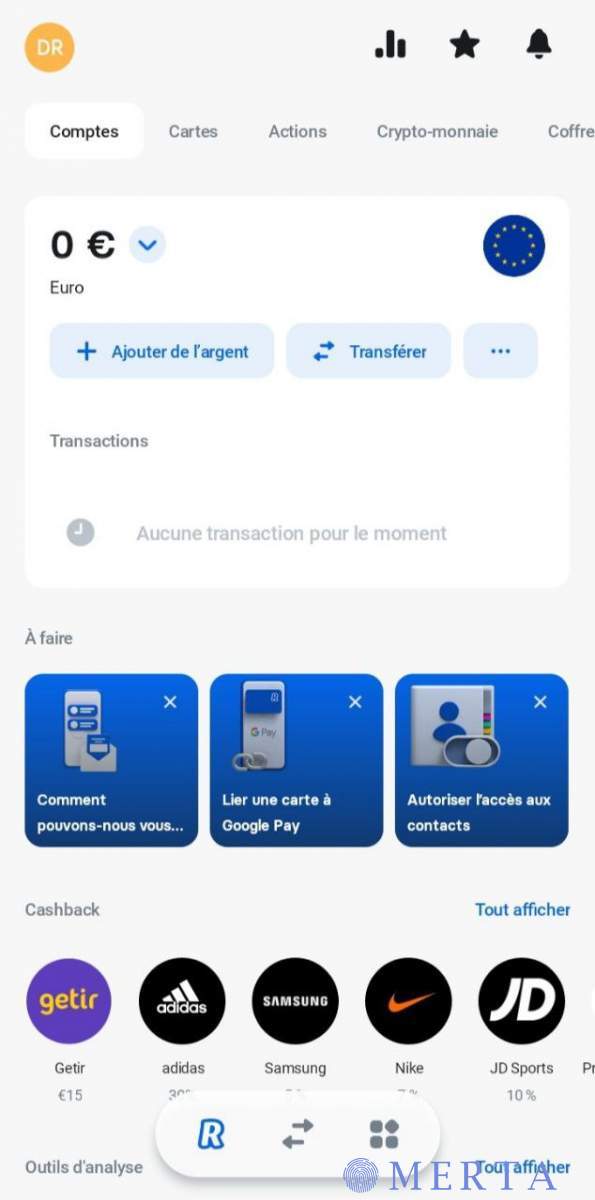
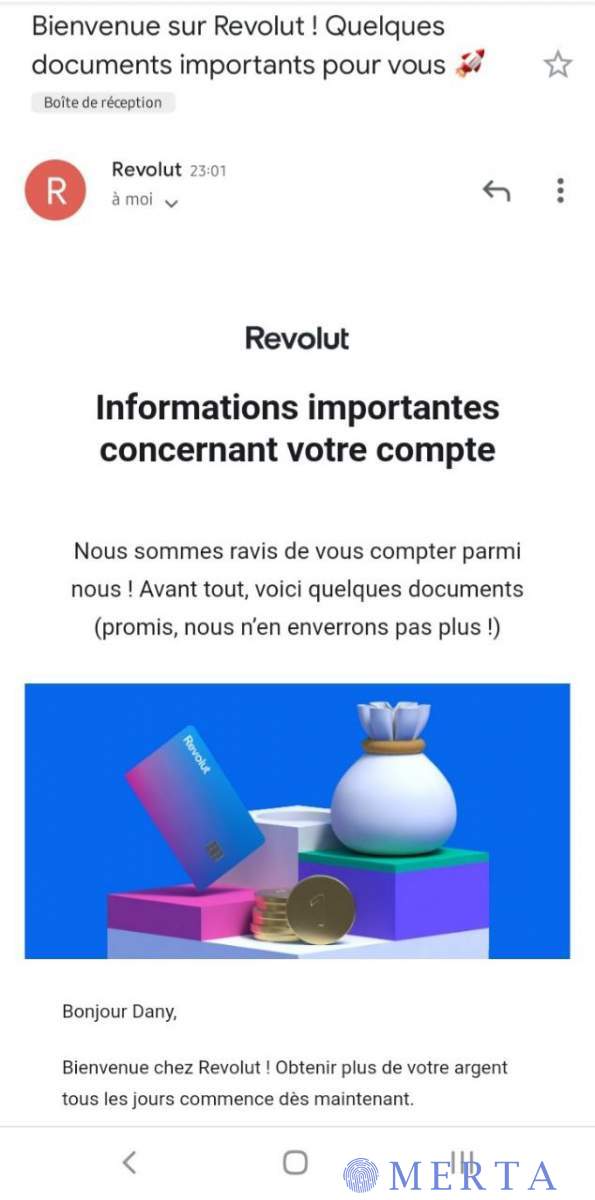
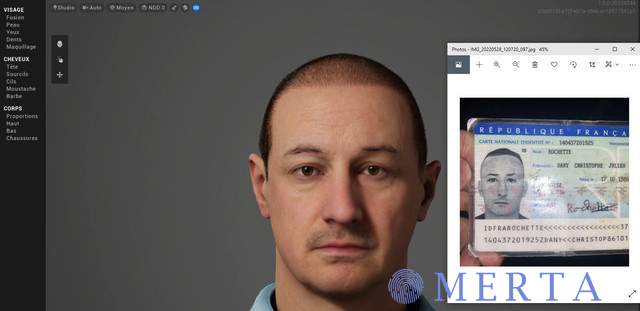
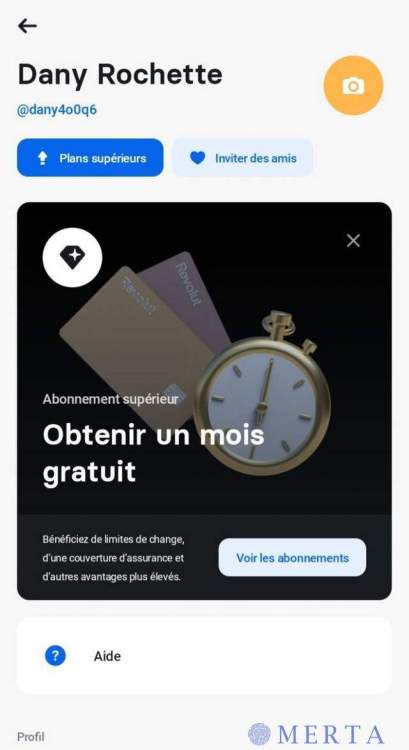
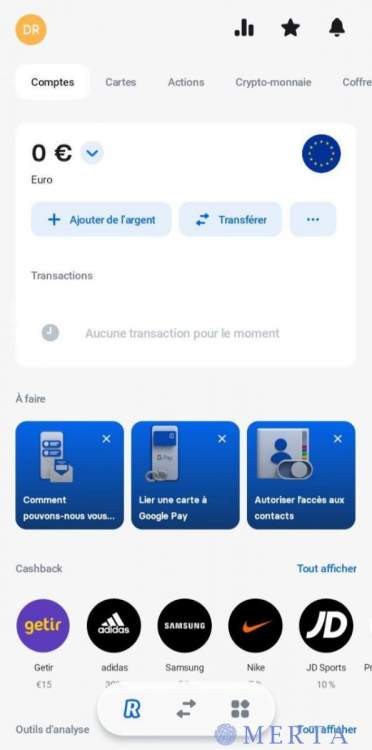
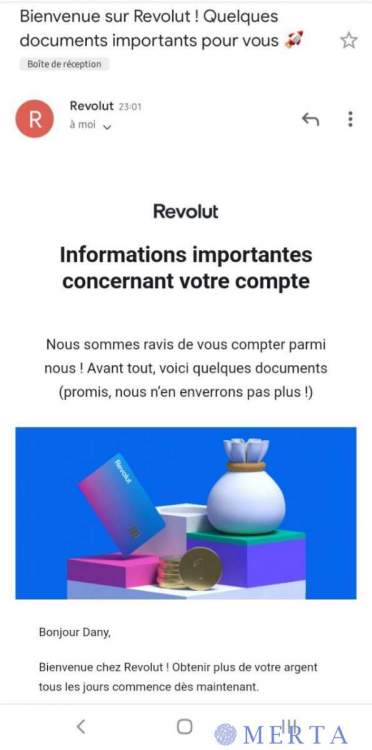
Logiciel 3D d'animation de visage humain Ultra Réaliste* Grâce à ce programme vous passerez la sécurité selfie de n'importe quelle banque en ligne. (Revolut, N26, Skrill, Ibanico...). Très simple d'utilisation, aucune notion de 3D requise. Vous pouvez entièrement modifier le visage (forme, cheveux, nez, bouche, oreilles, peau...). Animation de la tête, bouche, yeux, sourcils. Compte Revolut ouvert avec CNI + Selfie : ceux qui sont interesser par le logiciel contacter moi sur telegram : leweb93
-
t un monstre merci
-
tu gere frerot,
-
contact moi en mail si tu modifie les factures bg [email protected]
-
t un monstre
-
merci bro
-
jvais tester sa
-
c'est un site ultra intéressat je vous dit pas que sur le premier compte que vous allez essayez sa va marche mais faut essaye plein de compte, J'espere que sa vous servira https://leak.sx/dispenser_streaming.php
-
merci
-
tu gere
-
merci