Aller au contenu
View in the app

A better way to browse. Learn more.

Omerta

A full-screen app on your home screen with push notifications, badges and more.

To install this app on iOS and iPadOS
  1. Tap the Share icon in Safari
  2. Scroll the menu and tap Add to Home Screen.
  3. Tap Add in the top-right corner.
To install this app on Android
  1. Tap the 3-dot menu (⋮) in the top-right corner of the browser.
  2. Tap Add to Home screen or Install app.
  3. Confirm by tapping Install.

Lehciedarnoc

Membre
  • Inscription

  • Dernière visite

  1. Par curiosité je vais voire ça, merci
  2. niquel tu es le meilleur
  3. Lehciedarnoc a répondu à mknet dans le sujet Logiciels
    si vrai c'est vrai je te respecte
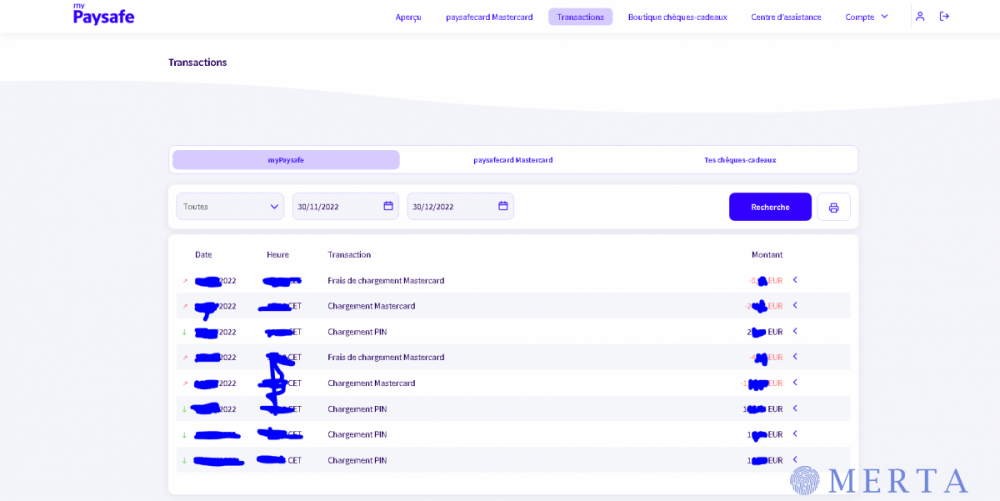
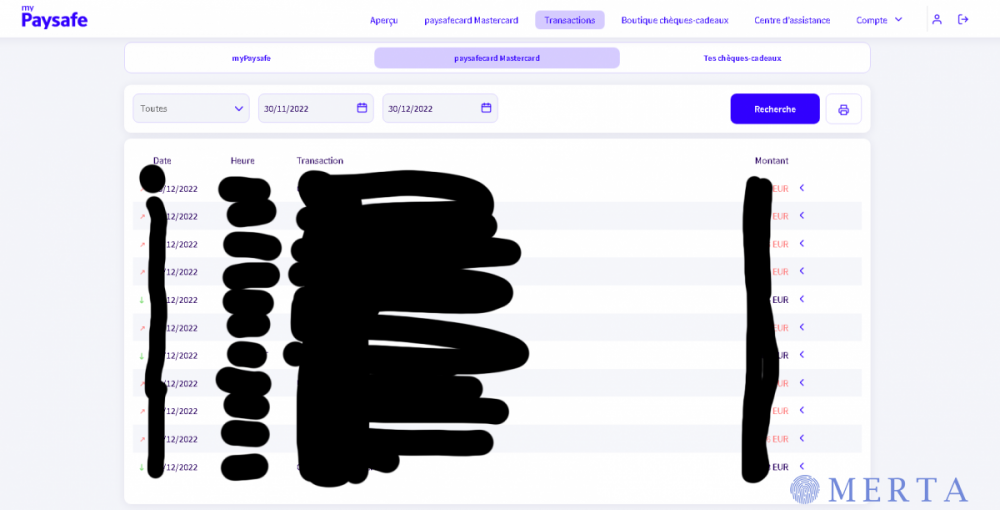
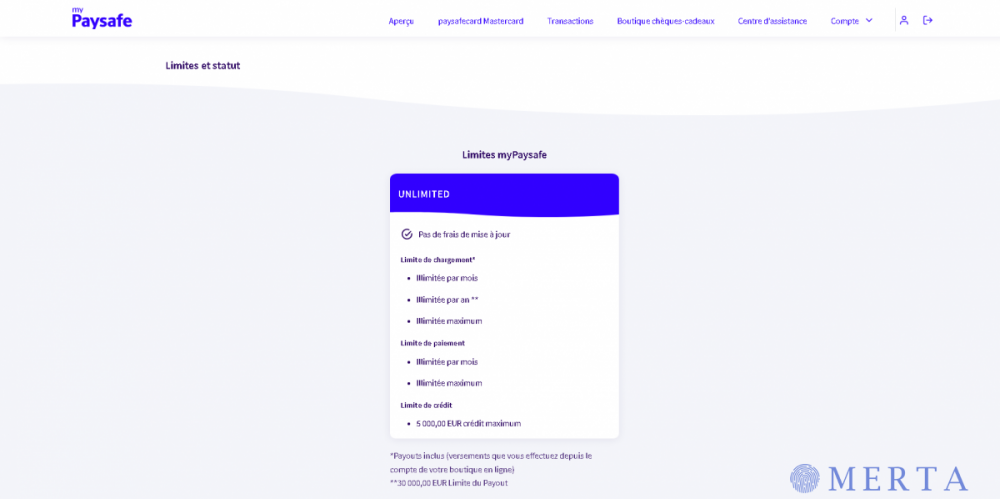
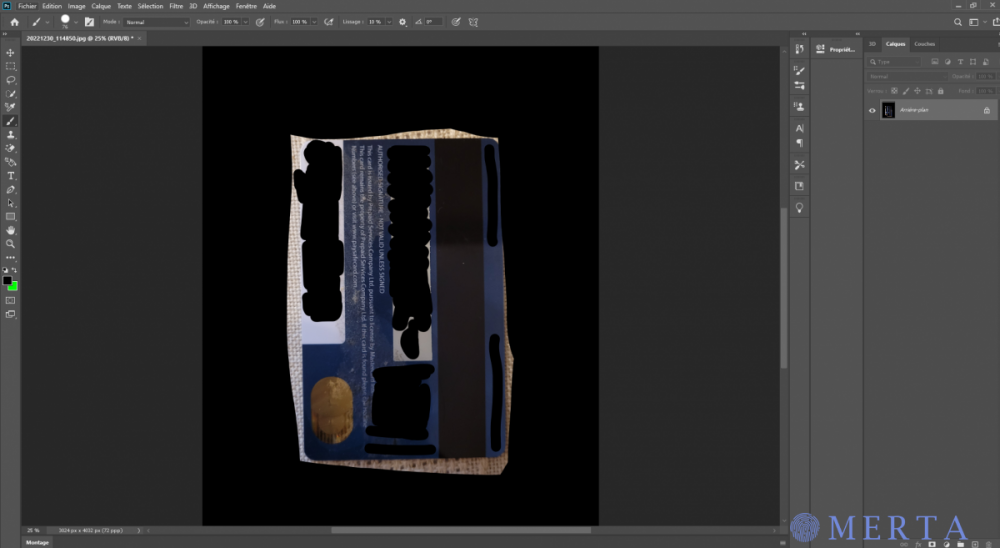
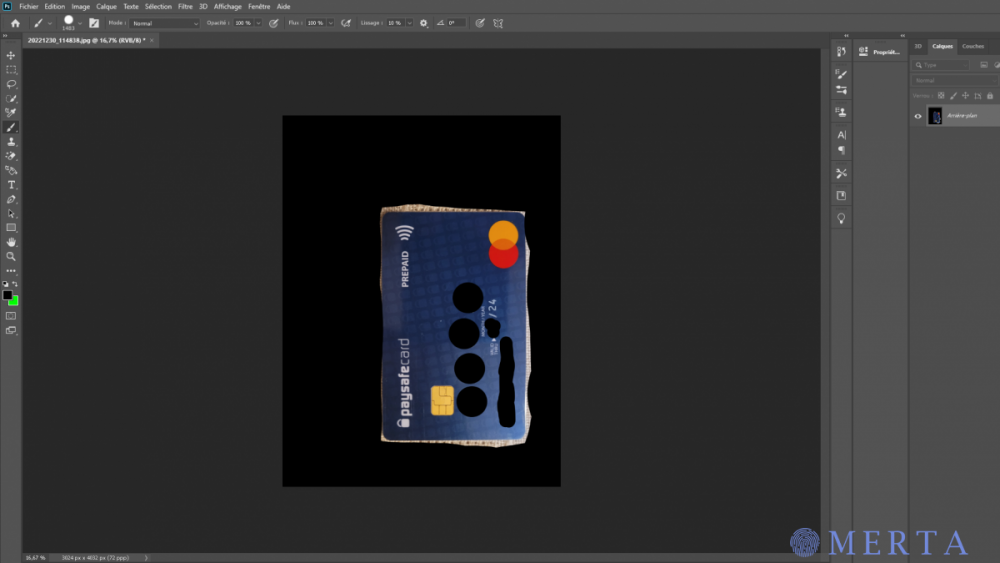
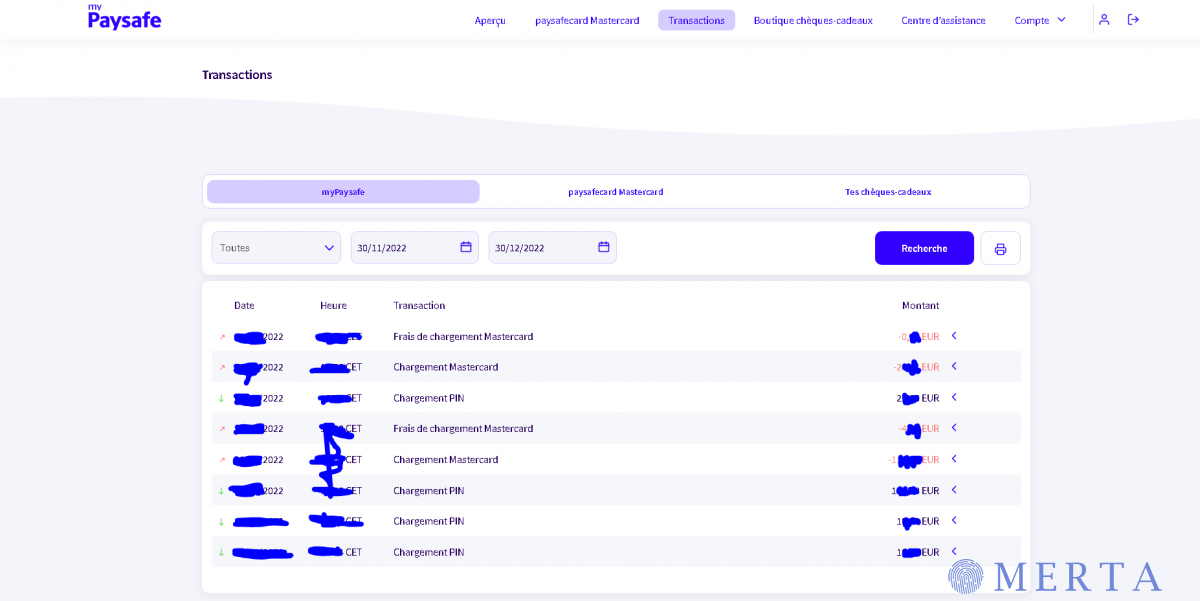
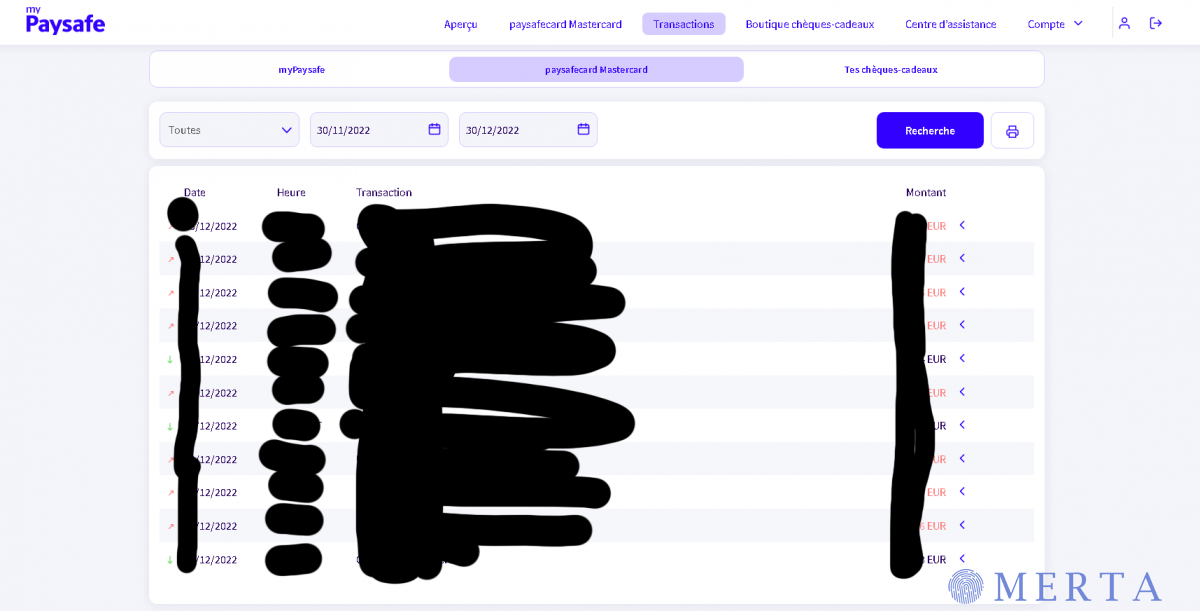
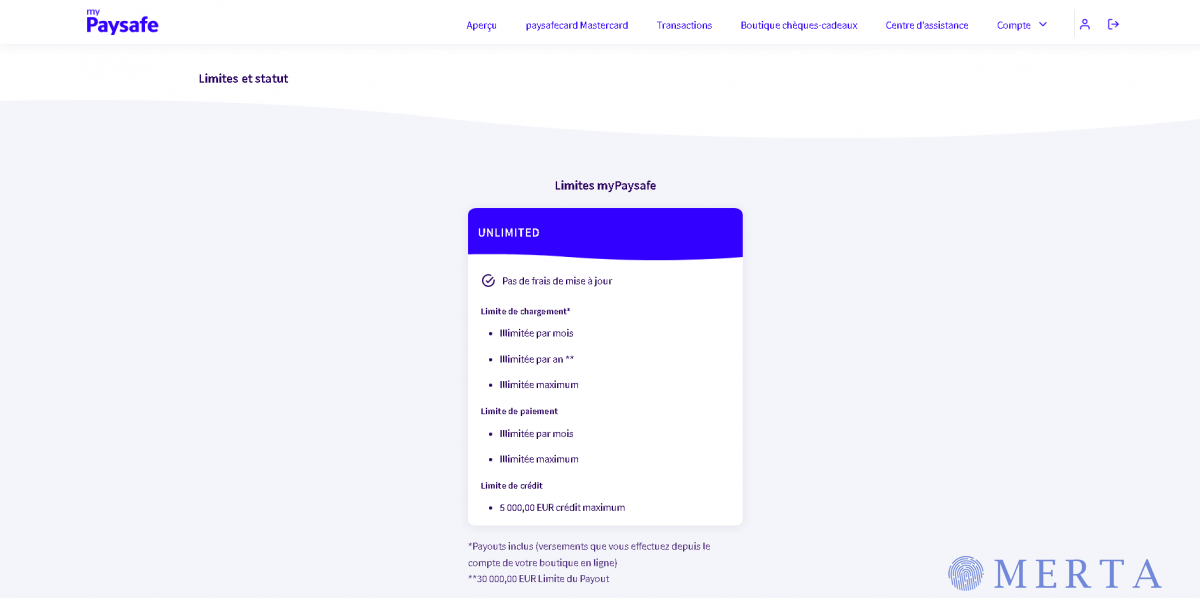
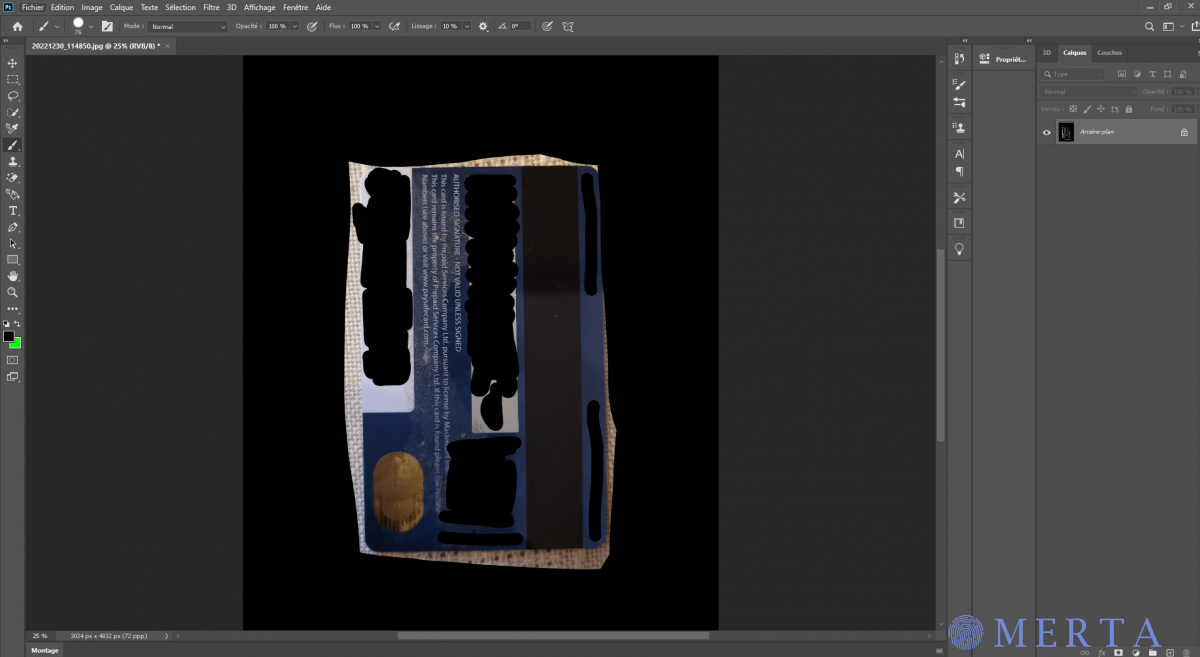
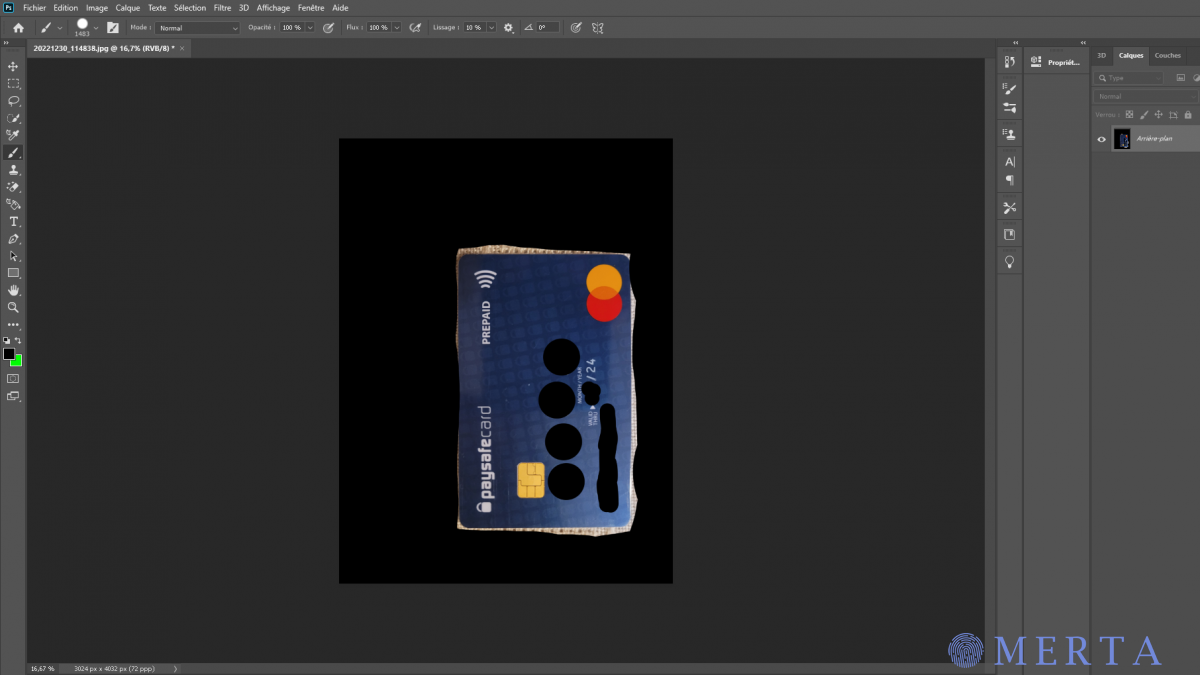
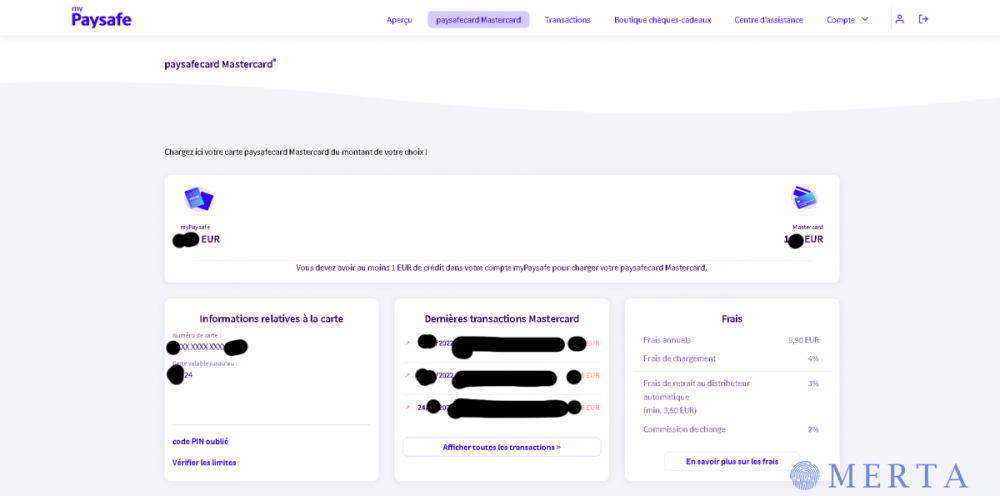
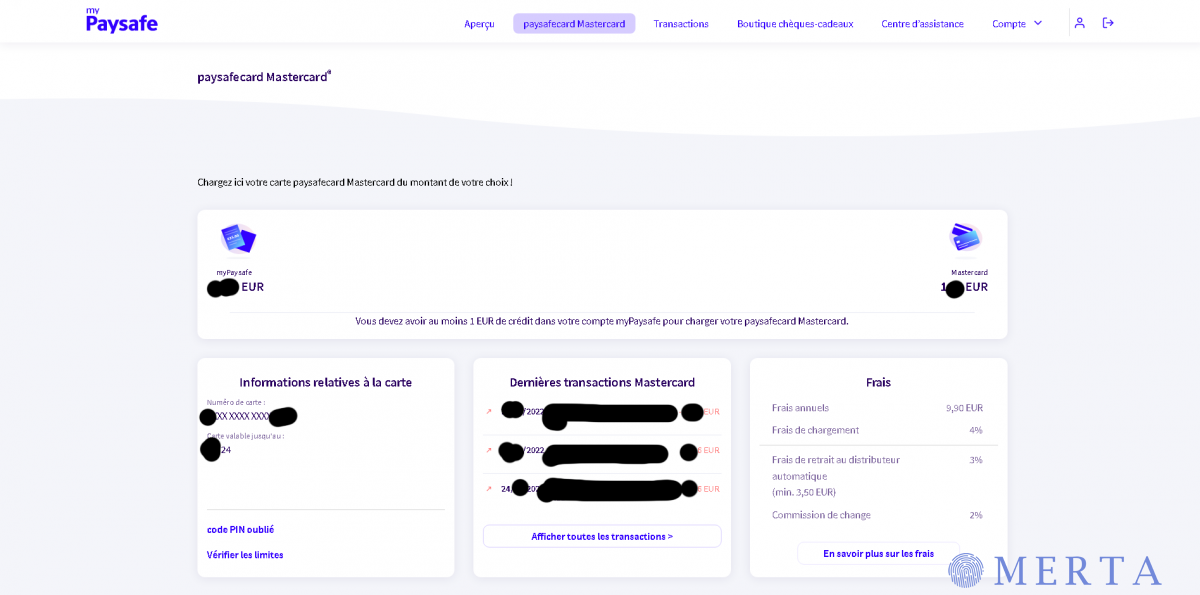
  4. Bonjour, je vend un compte bancaire paysafecard mastercard vérifié par mes soins compte fr. Le compte a déjà été utilisé avec un historique complet. Il reste un solde sur le compte Je le vend non pas car j'en ai plus besoin mais car j'ai besoin d'argent. Si vous êtes intéressé contactez moi par telegram: https://t.me/cluedo9 Premier arrivé premier servit si prix (raisonnable) Je vous fournirait l'accès mail + accès paysafe + possible envoi cb Bien à vous.
  5. Si ta formation fonctionne toujours je te remercie d'avance
Account

Navigation

Rechercher

Rechercher

Configure browser push notifications

Chrome (Android)
  1. Tap the lock icon next to the address bar.
  2. Tap Permissions → Notifications.
  3. Adjust your preference.
Chrome (Desktop)
  1. Click the padlock icon in the address bar.
  2. Select Site settings.
  3. Find Notifications and adjust your preference.