
anti admin
Membre
-
Inscription
-
Dernière visite
Tout ce qui a été posté par anti admin
-
tkt c'est pour ça que je suis là
-
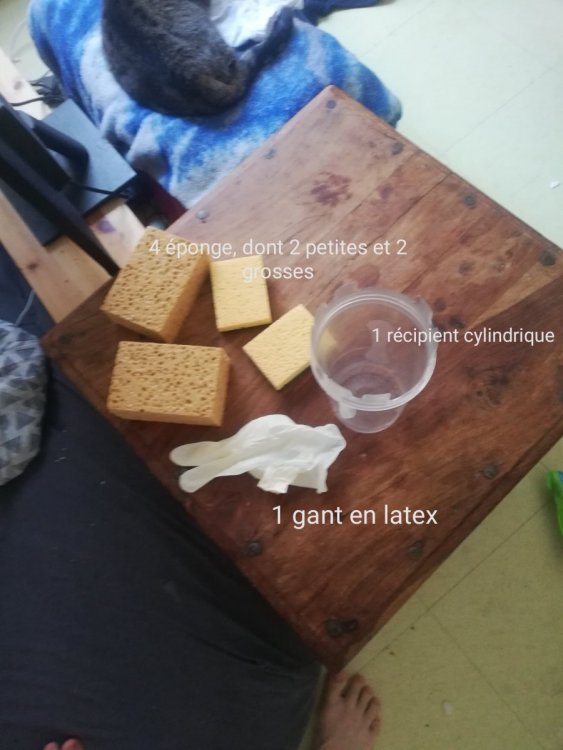
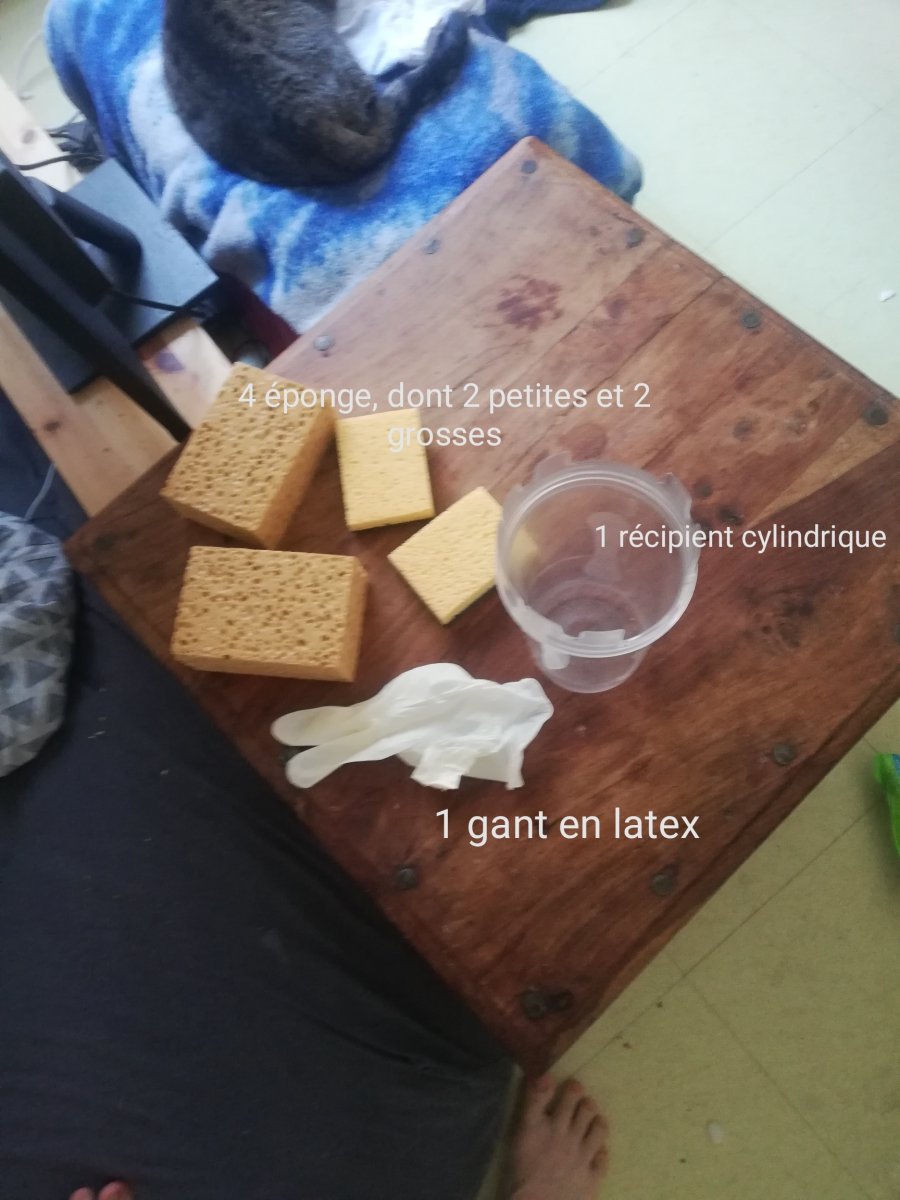
Aujourd'hui, je vais vous montrer comment faire une fleshlight maison avec des objets tout à fait banal que vous avez propablement chez vous, et oui, il faut bien s'occuper comme on peut pendant le confinement. --------------------------------------------- Liste des objets nécessaires : - 4 éponges ( à voir sur la photo ci dessous) - 1 gant en latex - 1 récipient cylindrique, pas trop grand non plus et ni trop large --------------------------------------------- Passons maintenant à la fabrication ! Voilà j'espère que ce tuto vous à été utile et que désormais vous pouvez maintenant passer du bon temps avec votre nouvelle meilleure amie, et cette fois ci ce n'est pas votre main ! tuto_fleshlight_maison_par_jewliette-1.mp4