
juanrule9
Membre
-
Inscription
-
Dernière visite
Tout ce qui a été posté par juanrule9
-
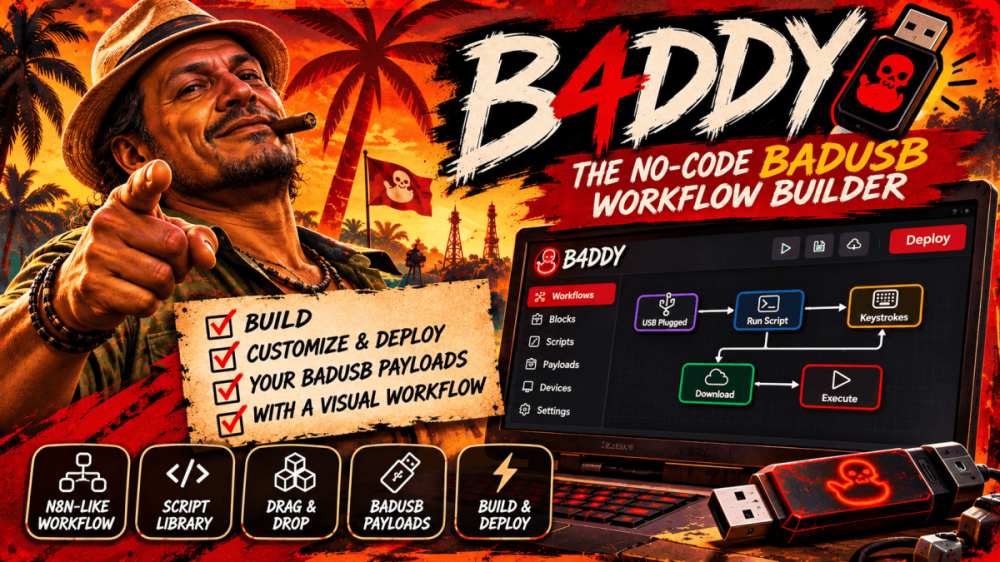
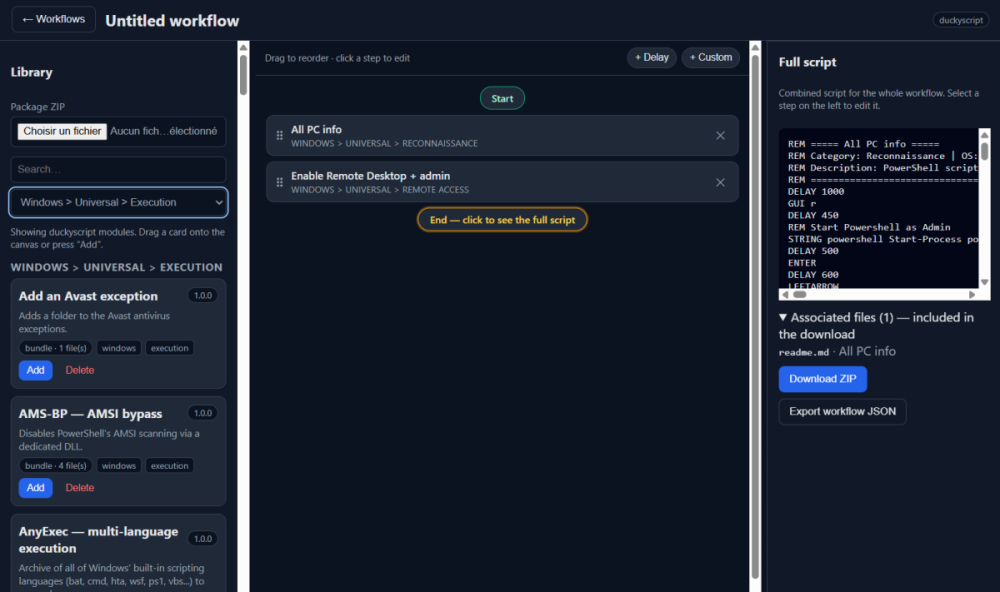
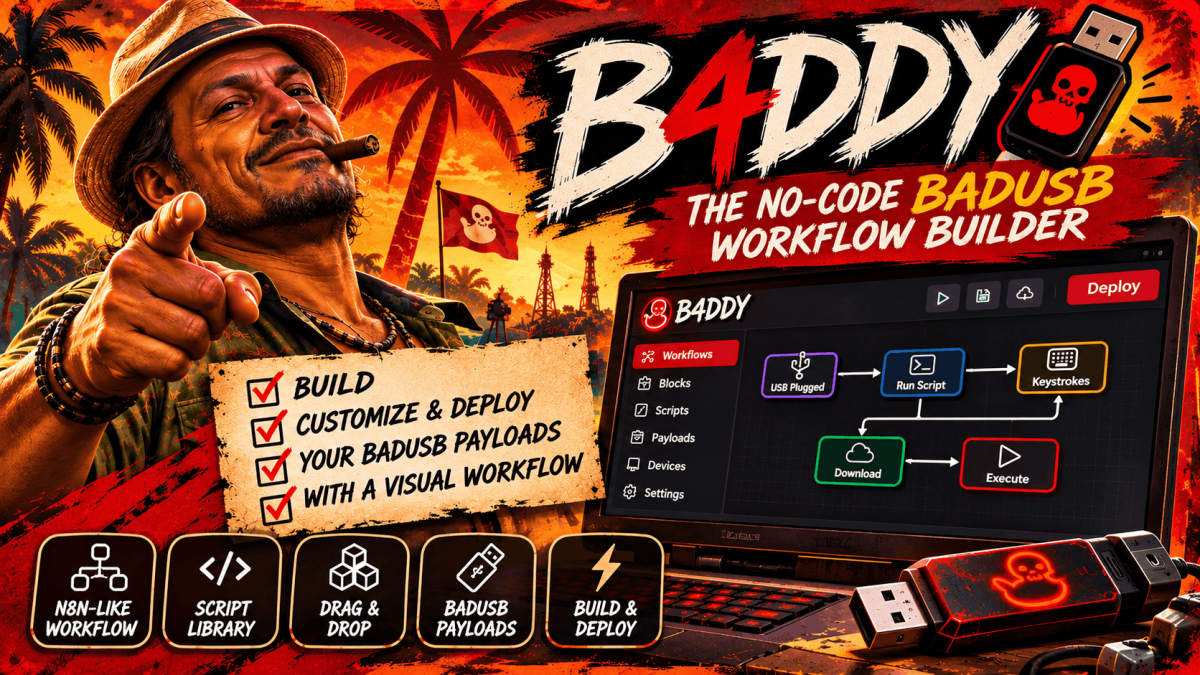
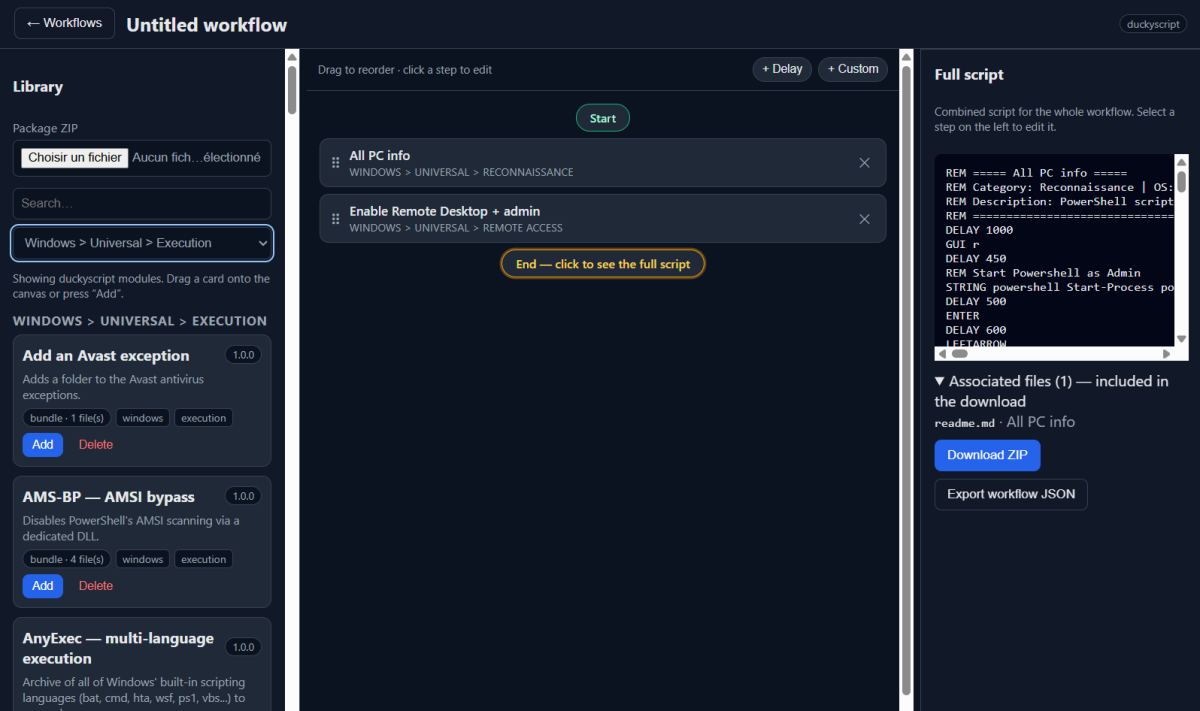
B4DDY transforme le DuckyScript en glisser-déposer. Empile tes modules, ajuste chaque étape en direct, prévisualise le script complet, exporte. Un débutant l'ouvre et sort un script fonctionnel en quelques minutes — un pro arrête de perdre son temps sur le boilerplate. En clair : ⚡ Builder en glisser-déposer type n8n — plus de prise de tête avec la syntaxe, plus de fichiers .txt éparpillés 📚 ~1000 modules prêts à l'emploi inclus (Windows, Linux, macOS, Android, iOS, ChromeOS, Pi) — ou importe les tiens ✏️ Édition en direct + aperçu instantané du script complet — ce que tu vois est ce que tu exportes 🧱 Étapes Delay & Custom natives — construis tes propres blocs et réutilise-les 🧳 Vraiment portable — Windows, Linux, Docker. Copie le dossier sur une clé USB, toute ta config te suit 🔒 100% local — pas de compte, pas de cloud, pas de télémétrie. Rien ne quitte ta machine. 👉 Récupère-le, construis un truc, dis-moi quoi ajouter ensuite. XMRBazaar : http://xmrbazaar6wzcr3wvj4anpnfwv5tcikgdurtzzfba233g52fa2fjx3qd.onion/listing/jres/ Contact Simplex : https://smp10.simplex.im/a#zu1_8zqAB3dW5GUBnIATchilZCgZA8bhPjXo-kjyc1Q — juanrule9 // le bon outil pour le bon job